






































Trouble with WC
Takes forever
Friday, February 13, 2026 by Sed | Discussion: WinCustomize Talk
I have been having a few days in a row that WC is acting up. Not anywhere else
just WC. ANYONE else having probs?? 
 |
|
Page 3 of 6 | |
|
|---|
Reply #42 Wednesday, March 11, 2026 9:22 PM
That was it Doc, .... my 2 newest are not on my sed page but if I click on the title it comes up

Reply #46 Thursday, March 12, 2026 1:34 AM
I look at the queue several times a day as (circumstances permit). Your Dreams and Sed's walls haven't appeared there.
You guys can always try to submit as regular members' submissions (if that works for you) and I'll push them through as often as I can get on. 
Reply #48 Thursday, March 12, 2026 1:07 PM
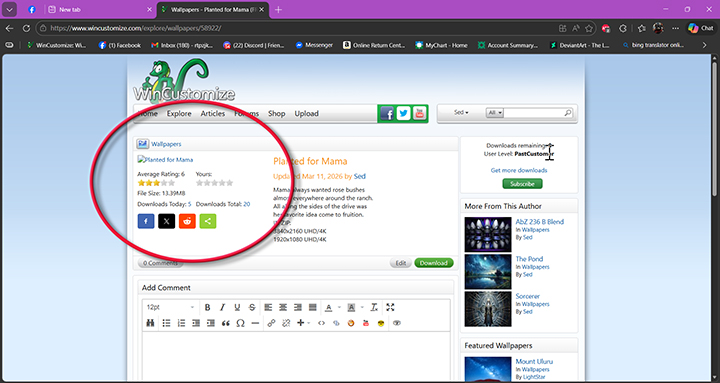
My last 4 or 5 are showing like this NO PREVIEW in that circle


Reply #50 Thursday, March 12, 2026 2:34 PM
My last 4 or 5 are showing like this NO PREVIEW in that circle
When I get that, I click on the title and get the preview. Then when it closes you have the image riight there.
Reply #51 Thursday, March 12, 2026 3:41 PM
I see all the previews, Sed. You're looking at images in your browser's memory.
Clear your browser's cookies and cache (memory).

Reply #52 Thursday, March 12, 2026 4:10 PM
We have been doing some DNS updates as our IP Addresses are changing in our data center.
Some of our changes include using Cloudflare for our DNS routing. It is possible that some of these issues with viewing/and uploading may be related to that. Unfortunately I am not seeing these problems.
Something that may be helpful, when you see these problems, like not seeing the preview, or an image not uploading, Press your F12 key to open the developer window in your browser and navigate to the console tab.
What errors, if any, are being displayed in the console window?
Reply #53 Thursday, March 12, 2026 7:23 PM
@ DRJBHL
You got my Amusement park fixed and it has been the 7 after that
I will try cleaning my cache
Reply #54 Thursday, March 12, 2026 8:31 PM
@ DRJBHL
You got my Amusement park fixed and it has been the 7 after that
I will try cleaning my cache
You see a rating of 7? I see 10. Btw Sed, T-Man, Sean and his crew gave us back Wincustomize. If you (or anyone else) get errors like you've been getting, please follow his instructions and post the results here.
"Something that may be helpful, when you see these problems, like not seeing the preview, or an image not uploading, Press your F12 key to open the developer window in your browser and navigate to the console tab.
What errors, if any, are being displayed in the console window?"
Reply #55 Friday, March 13, 2026 3:14 AM
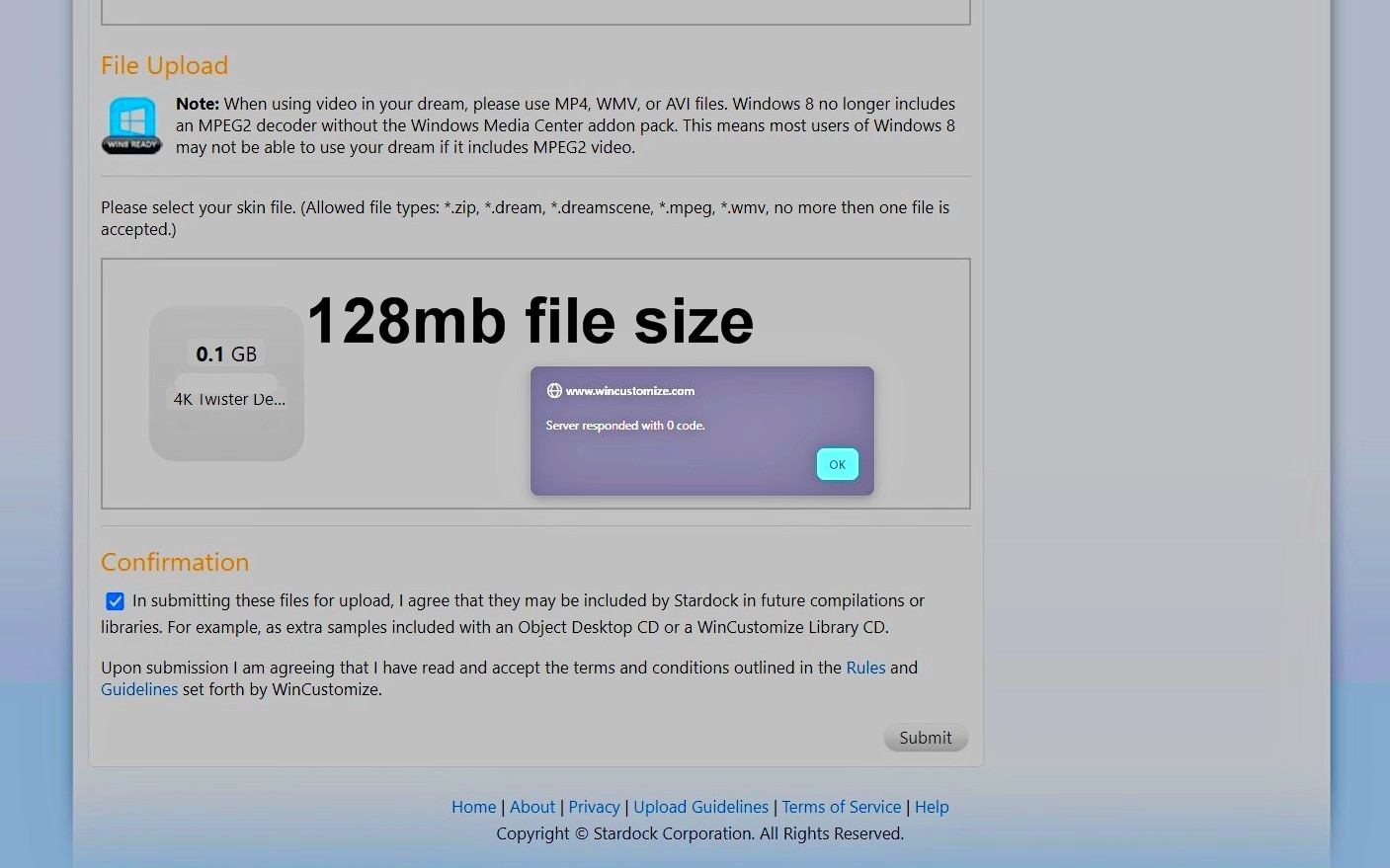
This is the error code I get trying to upload larger Dream file sizes this one 128mbs, the other one I tried yesterday was 144mb file size same error message. File size limit is 150mb ? did that change ?
F12 key says it's 413 error status code.


Reply #57 Friday, March 13, 2026 7:49 AM
Problems again today, Cleared my cache too. Hit F12, but it does nothing, what console?
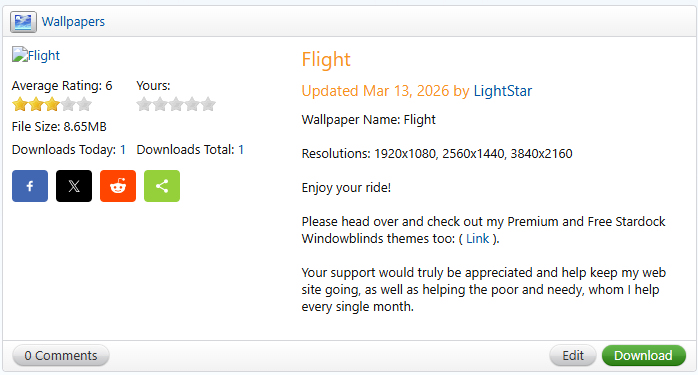
Keep getting this at times too:
Service Unavailable
HTTP Error 503. The service is unavailable.
Reply #58 Friday, March 13, 2026 8:26 AM
Problems again today, Cleared my cache too. Hit F12, but it does nothing, what console?
Keep getting this at times too:
Service Unavailable
HTTP Error 503. The service is unavailable.
I believe it's fixed. It appears on the homepage, on your gallery page and on the wall's page. Just not in the Louvre. Mona stole your place. 


Please login to comment and/or vote for this skin.
Welcome Guest! Please take the time to register with us.
There are many great features available to you once you register, including:
- Richer content, access to many features that are disabled for guests like commenting on the forums and downloading skins.
- Access to a great community, with a massive database of many, many areas of interest.
- Access to contests & subscription offers like exclusive emails.
- It's simple, and FREE!
|
|
Page 3 of 6 | |
|
|---|
Reply #41 Wednesday, March 11, 2026 9:33 AM
Previews are not there on my page -- they come up in profile but not on SED page
and one that isnt even on my skins list
If it was of an amusement park, I pushed it through.