































Microbe: Red (BETA)
Saturday, May 2, 2009 by sViz | Discussion: Sneak Previews
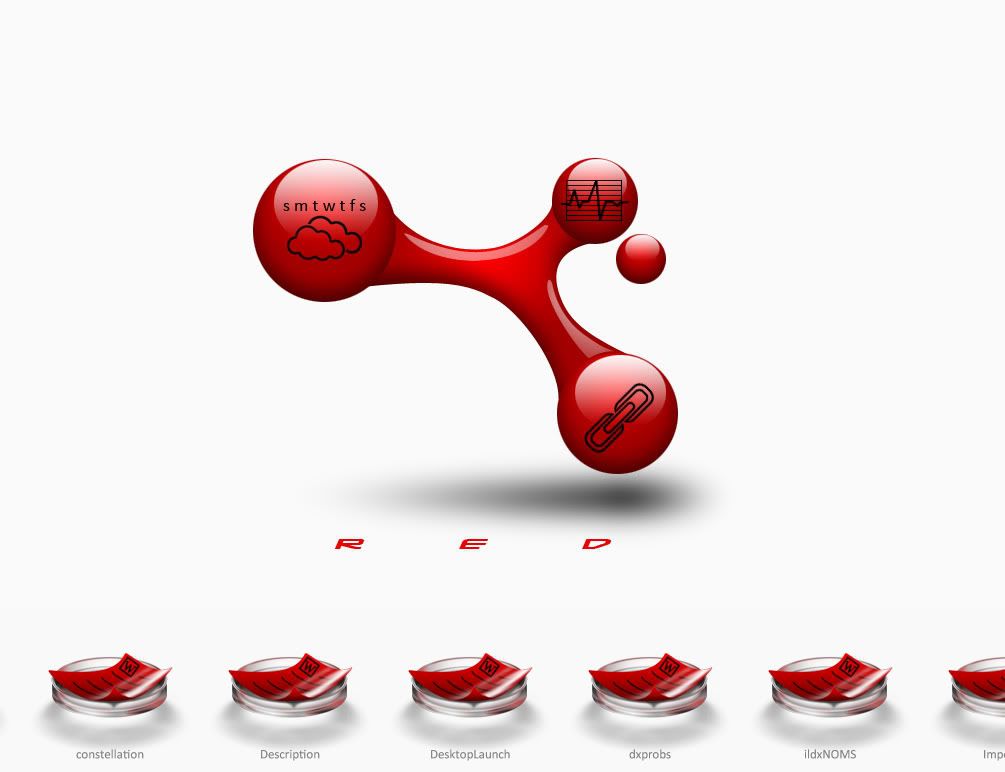
Experimenting with this one. Trying my hand at a bunch of new functions. Desktop icons arrange in the petri dishes at the bottom. It scrolls on hover. I'm hoping to have several custom file icons.
The large molecule in the middle is the wall. I centered it on a 2560x2048 canvas so it's rez independent. That allows me to position the black icons on top of them in DX. The smaller red orb moves in a circular perspective effect. At the very least, I expect to make a few more templates from this theme.
*** UPDATE 6/16/09: BETA 1.3 DOWNLOAD LINK ***
 |
|
Page 2 of 4 | |
|
|---|



Reply #23 Sunday, May 3, 2009 7:51 PM
What! Did you forget where you are posting this?
Kookyness has no limits at WinCustomize.

Reply #24 Sunday, May 3, 2009 8:24 PM
More icons:
I don't know about the gear...something's...off about it. For me, graphics are harder to do than coding. I have gained major respect for icon packager authors.
After staying up waay too late, I finally got the hover scolling thing to auto-adjust speed based on how fast you move your mouse. I'd been trying to figure that out forever.
See it in action - HERE
Contents of folders open in a pop up menu on r-click. I'm off to make more icons.
Take a bolt into a dark room with a flash light and illuminate from the direction of lighting in your skin. Take a picture and then reproduce what you photoed.
 This is true.


Reply #26 Monday, May 4, 2009 5:06 PM
Don't look at me,I'm in the middle of a drought.
Reply #27 Monday, May 4, 2009 5:06 PM
I like it! My opinion is completely unbiased, of course. 

Reply #28 Monday, May 4, 2009 5:49 PM
This is gonna be Hot Diggity Dog Magnificently fantastic, can't wait till the laucnch, will be one of the first in the queue, awesome stuff, awesome 

Reply #29 Saturday, May 16, 2009 10:00 PM
Bunch of stuff done, then I took a break. The icon menu at the bottom now supports drag and drop as well as the ability to create different menu sets.
Been trying to nail down the look of pop up menus and with a little googling, I came up mircoscope slides:
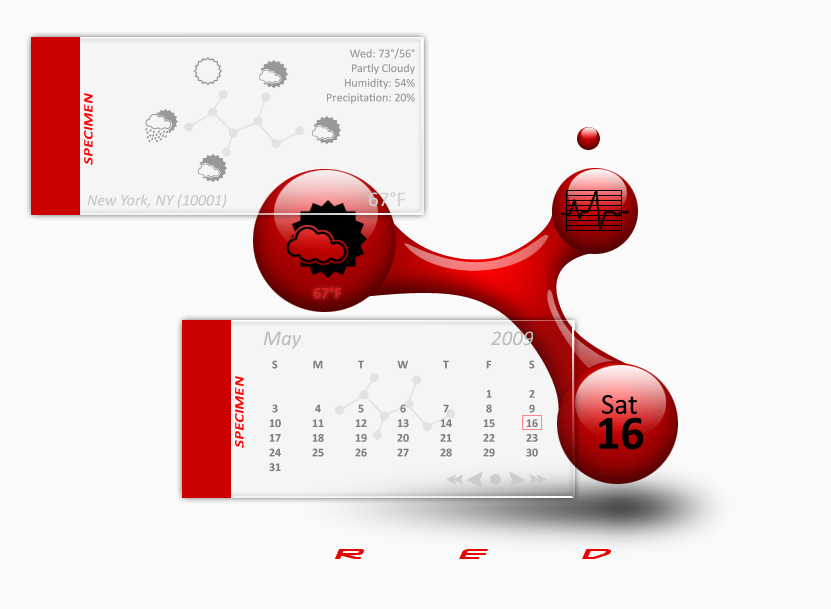
The pop up menus can be dragged to any screen border and they'll automatically dock/autohide. Drag them away from the border and they become free floating again. Also, when not docked, the menu background fades away after twenty seconds to give you this:
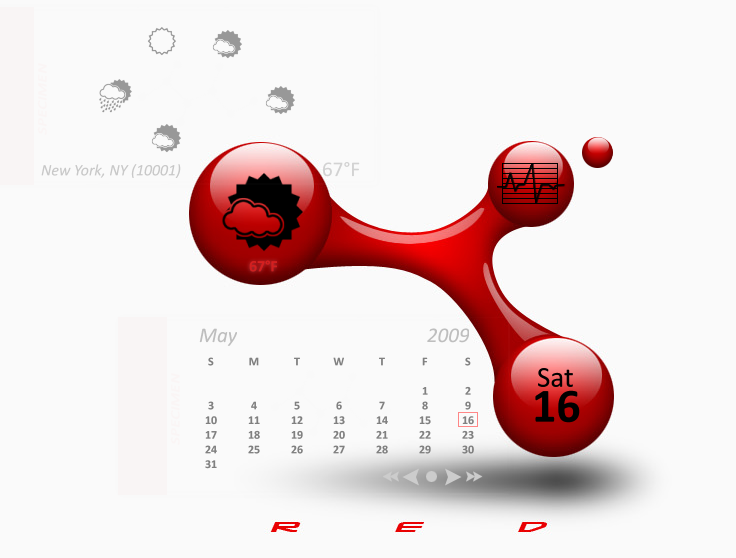
As you can also see, the black images on the main molecule actually do something now; they display current weather and date. Not sure what will become of the third one.

 ... sys stats\cpu\ram on #3?
Reply #31 Saturday, May 16, 2009 10:18 PM
That's what I'm leaining towards. Just have to decide which piece of CPU info is most relevant to display.
Reply #32 Saturday, May 16, 2009 10:25 PM
yeah, I'd lean towards cpu, seems like most everyone I know freaks on that first, btw, thats some good lookin glass u have there. 



Reply #36 Monday, June 1, 2009 11:30 AM
Thanks everyone!
Several frustrating bugs and a few crashes later, and we're coming in the home stretch, now!
We've got color options (I couldn't limit myself to just one color...even if it was my favorite.  ) There's 9 color mutations, something for everyone. I'll be uploading the wallpaper pack separately, otherwise it'll be one HUGE theme file. Don't think I'll do the black version, after all.
The custom icon total comes to 12: text, word, folder, ini, shortcut, url, web document, exe, image, video, audio, and everything else falls under plain document.
Added system info and ability to change the wallpaper.
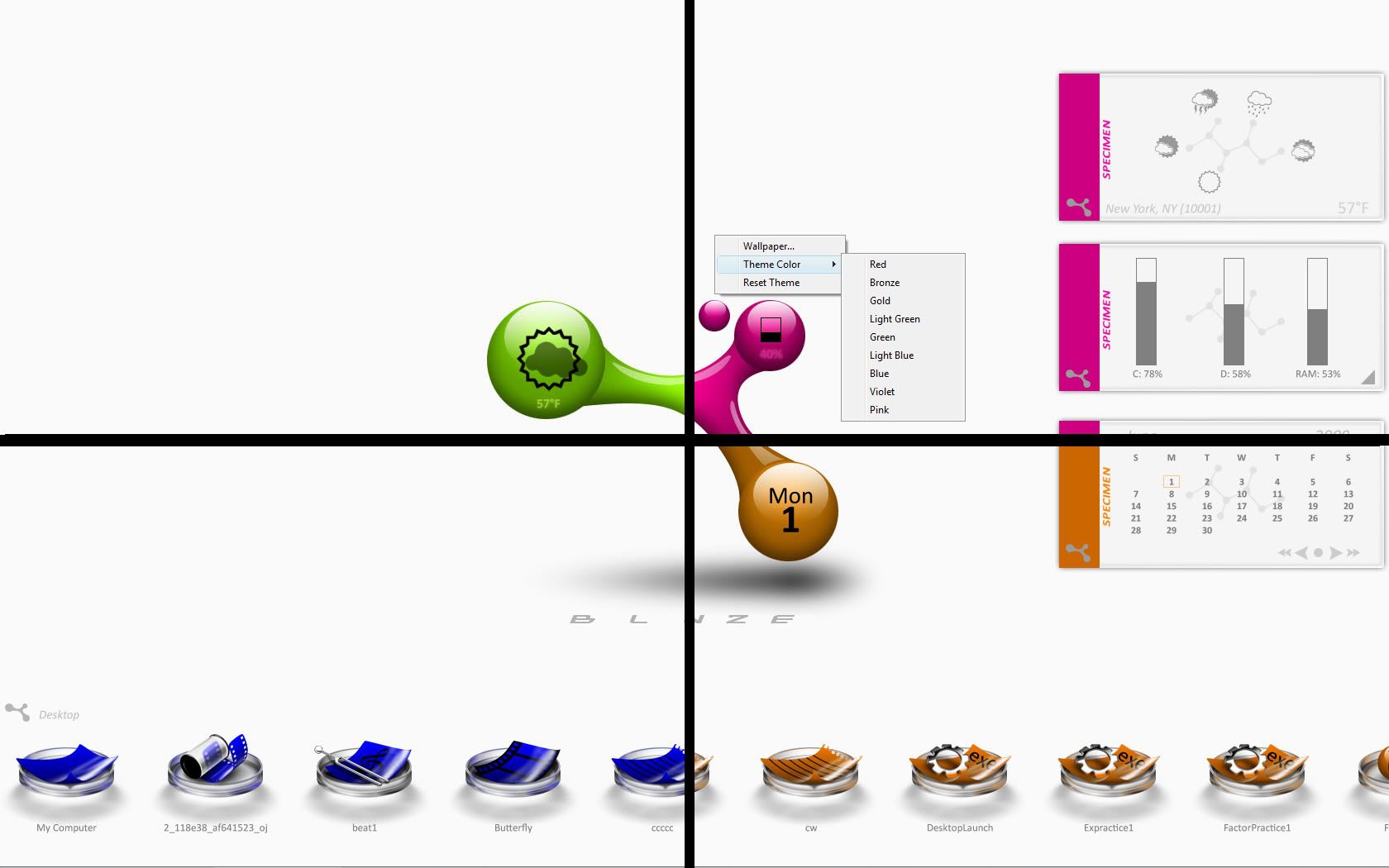
Just a couple more scripts to do. Beta testing...coming soon!


Reply #38 Monday, June 1, 2009 1:33 PM
Work In Progress....
W-rest In Peace .... hehehehehe
super work sViz, keep working
Reply #39 Monday, June 1, 2009 3:01 PM
Me! Me! Pick Me!! 

Reply #40 Saturday, June 6, 2009 1:07 PM
It's beta testing day! I think I got all of the kinks worked out, but please let me know if there's anything screwy going on with the theme.
There's a screenshot with all the specs included in the zip.
BETA DOWNLOAD LINK (fyi, the site now has a 30 second wait for the dl for some reason.  )
)
Please login to comment and/or vote for this skin.
Welcome Guest! Please take the time to register with us.
There are many great features available to you once you register, including:
- Richer content, access to many features that are disabled for guests like commenting on the forums and downloading skins.
- Access to a great community, with a massive database of many, many areas of interest.
- Access to contests & subscription offers like exclusive emails.
- It's simple, and FREE!
|
|
Page 2 of 4 | |
|
|---|
Reply #21 Sunday, May 3, 2009 2:59 PM
PhotoBucket is blocked by a sonic wall...boogers. Can't see the pics.