









































 |
|
Page 2 of 2 | |
|
|---|

Reply #22 Sunday, March 18, 2007 1:33 AM
I just enjoy using a nice stable OS (XP Pro) with Stardock products where my systems can fly:

Wall = Haruko with Rickenbacker http://chibitaryn.deviantart.com/
WB = VXP2 by vStyler http://vstyler.wincustomize.com/skins.aspx?skinid=5907&libid=1
IP (and dock icons) = The Last Order by Rokey https://www.wincustomize.com/skins.aspx?skinid=1192&libid=2
Note - special thanks to vStyler for the fast skin.
Reply #23 Sunday, March 18, 2007 4:18 AM
While I am at it, I might as well throw the desktop up as well:

Wall = Quiet Moment by clasixart http://clasixart.deviantart.com/
WB = Alysseum-Plus by Gabriel https://www.wincustomize.com/skins.aspx?skinid=5695&libid=1
IP = Xcons by Artmao http://treetog.wincustomize.com/skins.aspx?skinid=734&libid=45



Reply #25 Tuesday, March 20, 2007 2:55 PM

WB = Pikmin by Pixtudio
IP = nVidia also by Pixtudio
The wall's still my own "creation" featuring my girlfriend 



Reply #27 Tuesday, March 20, 2007 5:32 PM
Loved your SS!
Thanks so much, Mary
[email protected]
Reply #28 Tuesday, March 20, 2007 7:43 PM
 how do you guys do the image resize here and get the image resize bar on the top - what are you using for that ??
Reply #29 Tuesday, March 20, 2007 8:20 PM
I use 'ImageShack' for my image server (it is a free site for hosting images), then simply use the 'Insert Image' button above the comment text box to paste the "direct-link" image address which is supplied by ImageShack once the image is uploaded to the account.
I believe the new coding here at WC is responsible for the resize and bar above the image.
There are a few such sites. Here is a link to 'ImageShack' http://imageshack.us/ - just create an account and upload an image > select the 'details' button to view the image > click the 'Get Links' button below viewed image > copy direct link address > then come here and place the copied address in the 'Insert Image' text box to place it.
Note - make sure to select the 'Remove size / resolution bar from thumbnail' when uploading the image to ImageShack, otherwise you will end up pasting a thumbnail image with a black bar on top here.



Reply #36 Sunday, March 25, 2007 7:53 AM

Reply #37 Sunday, March 25, 2007 8:05 AM

Reply #38 Monday, March 26, 2007 8:39 PM
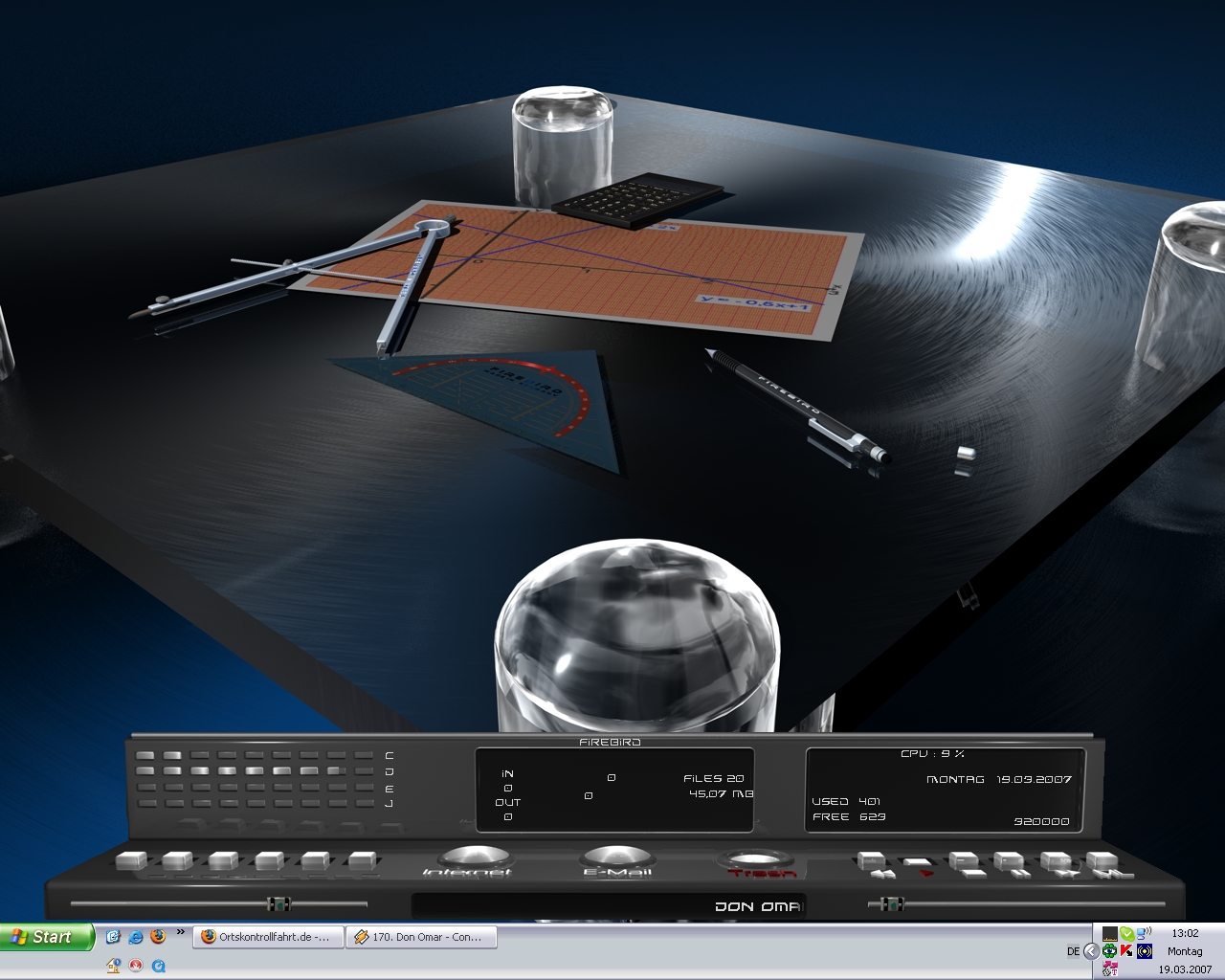
well, here's mine for today
OS - Vista Ultimate 64
Dream - Aurora Revisted
WB - Adrenaline Vista
OD - Honestly, I forget. Sorry
various Konfab widgets. I am eagerly awaiting for a DX and IP I can use. 


Reply #39 Thursday, March 29, 2007 8:55 AM
Please login to comment and/or vote for this skin.
Welcome Guest! Please take the time to register with us.
There are many great features available to you once you register, including:
- Richer content, access to many features that are disabled for guests like commenting on the forums and downloading skins.
- Access to a great community, with a massive database of many, many areas of interest.
- Access to contests & subscription offers like exclusive emails.
- It's simple, and FREE!
|
|
Page 2 of 2 | |
|
|---|
Reply #21 Friday, March 16, 2007 6:25 PM
My current desktop.
WB: Adrenaline by Pixelpirate - https://www.wincustomize.com/skins.aspx?skinid=6079&libid=1
IP: FROIS-01 by Dexter2005 - http://www.guichamps.com/skins2006.asp?skinid=402
WinAmp: Anaheim Player by takanory - http://www.deviantart.com/deviation/49504920/
The "wallpaper" is my own creation, featuring my beautiful girlfriend.