




































OS/2 theme
Wednesday, September 15, 2004 by Kd527 | Discussion: WinCustomize Talk
 |
|
Page 1 of 2 | |
|
|---|


Reply #3 Thursday, September 16, 2004 7:22 PM


Reply #5 Saturday, September 18, 2004 8:35 AM
| That's vague. How would you propose having an OS/2 style UI without WindowBlinds? |
I've probably got a Warp 4 install CD lying around here that he can have



Reply #7 Tuesday, September 21, 2004 8:56 PM
There are numerous OS/2 themes here. Stardock, the developer of WindowBlinds, was once the world's leading ISV for IBM OS/2. Object Desktop (which WindowBlinds is part of) was, after all, an OS/2 product first.
If you want Windows to look like OS/2, WindowBlinds is the only way you're going to be able to do it.
Reply #8 Tuesday, September 21, 2004 8:57 PM

https://www.wincustomize.com/skins.asp?library=1&SkinID=1664
Reply #9 Wednesday, September 22, 2004 1:56 PM
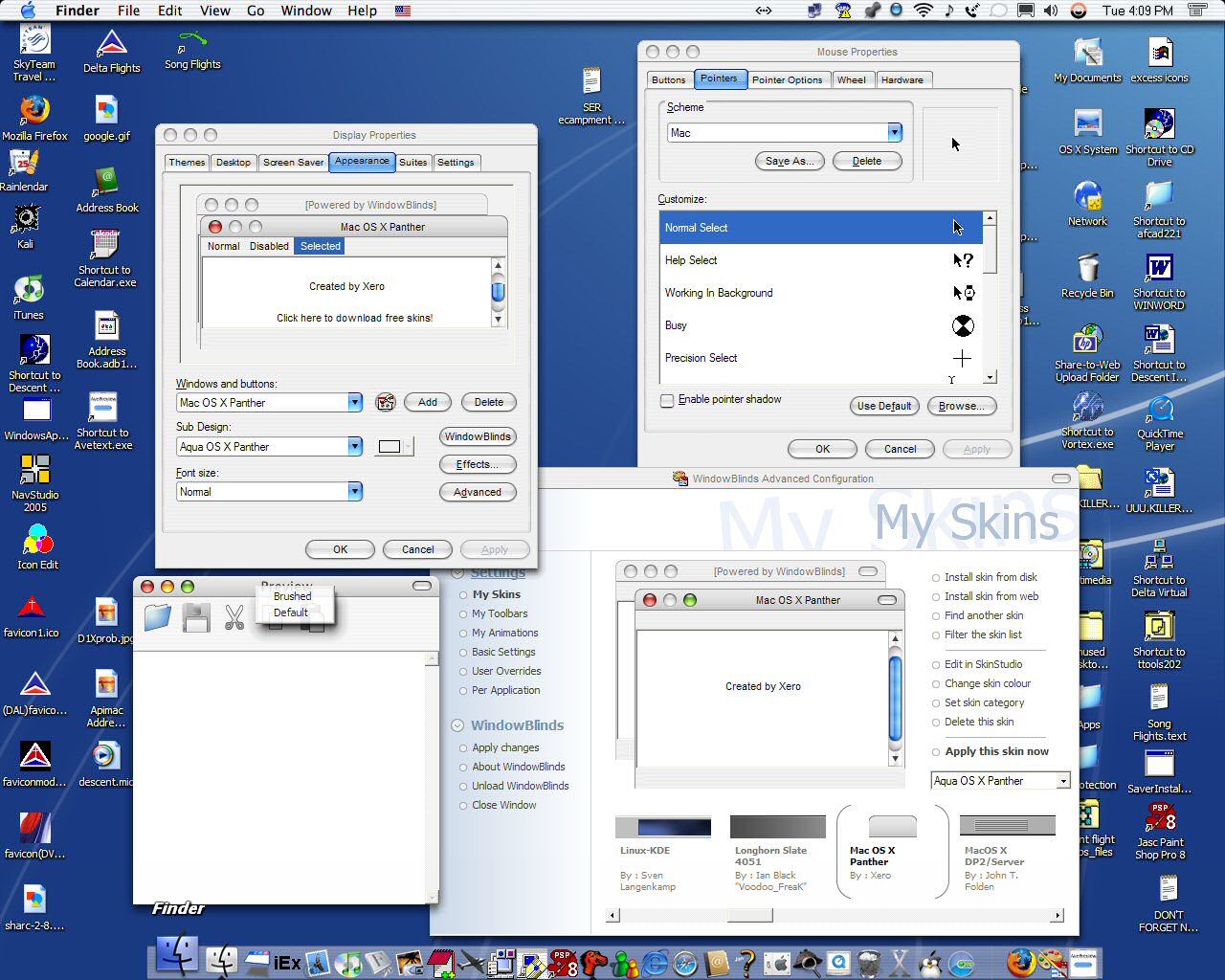
My current one:

Reply #10 Wednesday, September 22, 2004 2:15 PM

Reply #12 Wednesday, September 22, 2004 5:01 PM

Reply #13 Wednesday, September 22, 2004 6:35 PM
| My current theme is proof that it's not the only way to do it. |
Strange looking OS/2 theme you have there.
Reply #14 Wednesday, September 22, 2004 8:00 PM
Style XP just patches your system DLLs which effectively enables you to replace graphical resources.
Your "Mac" theme has the buttons on the wrong side. OS/2 has the close button on the left of the min/max buttons (which, btw, was based on a Stardock design for OS/2 Warp 4).
[Message Edited]

Reply #15 Thursday, September 23, 2004 1:48 AM

Reply #16 Thursday, September 23, 2004 5:06 PM

Reply #17 Friday, September 24, 2004 5:58 PM
Reply #18 Wednesday, October 13, 2004 4:11 PM
Reply #19 Wednesday, October 13, 2004 10:29 PM
Reply #20 Saturday, October 16, 2004 1:41 PM
thx
Please login to comment and/or vote for this skin.
Welcome Guest! Please take the time to register with us.
There are many great features available to you once you register, including:
- Richer content, access to many features that are disabled for guests like commenting on the forums and downloading skins.
- Access to a great community, with a massive database of many, many areas of interest.
- Access to contests & subscription offers like exclusive emails.
- It's simple, and FREE!
|
|
Page 1 of 2 | |
|
|---|
Reply #1 Wednesday, September 15, 2004 10:56 PM