






































FRM\FNCTN - My AI graphics and apps
Software and Graphics and News
Monday, October 19, 2026 by c242 | Discussion: Artificial Intelligence
As AI capabilities have steadily improved, I’ve experimented extensively—running through countless trials and consuming plenty of tokens—until I finally developed workflows and manifests that allow me to bring my design ideas to life.
I can now build applications exactly as I envision them, gradually replacing many freeware and shareware tools I use daily that I’ve always wanted to customize to better suit my needs.
While I don’t want to replace all of them (for instance, ObjectDesktop), I’ve created several new tools to explore what’s possible. Though for example may FileCanvas never match the functionality of established file managers, other tools like IconChanger,SysCanvas, KeyCanvas, and FlickDock, are integral to my daily workflows across all my machines.
I invite you to try and enjoy what I’ve accomplished so far—all at no cost. My site also offers skins and themes, some of which are available here on WC.
https://www.frm-fnctn.com/software.php?lang=en
If I may, I will keep this thread alive with news and some more details.
 |
|
Page 2 of 2 | |
|
|---|

Reply #22 Tuesday, October 27, 2026 1:14 PM
The main purpose at the moment is to be able to have an easier way to position and slice backgrounds for the gadgets and to save themes without destroying the layout of the running canvas.
Got it. Thanks

Reply #23 Tuesday, October 27, 2026 2:54 PM
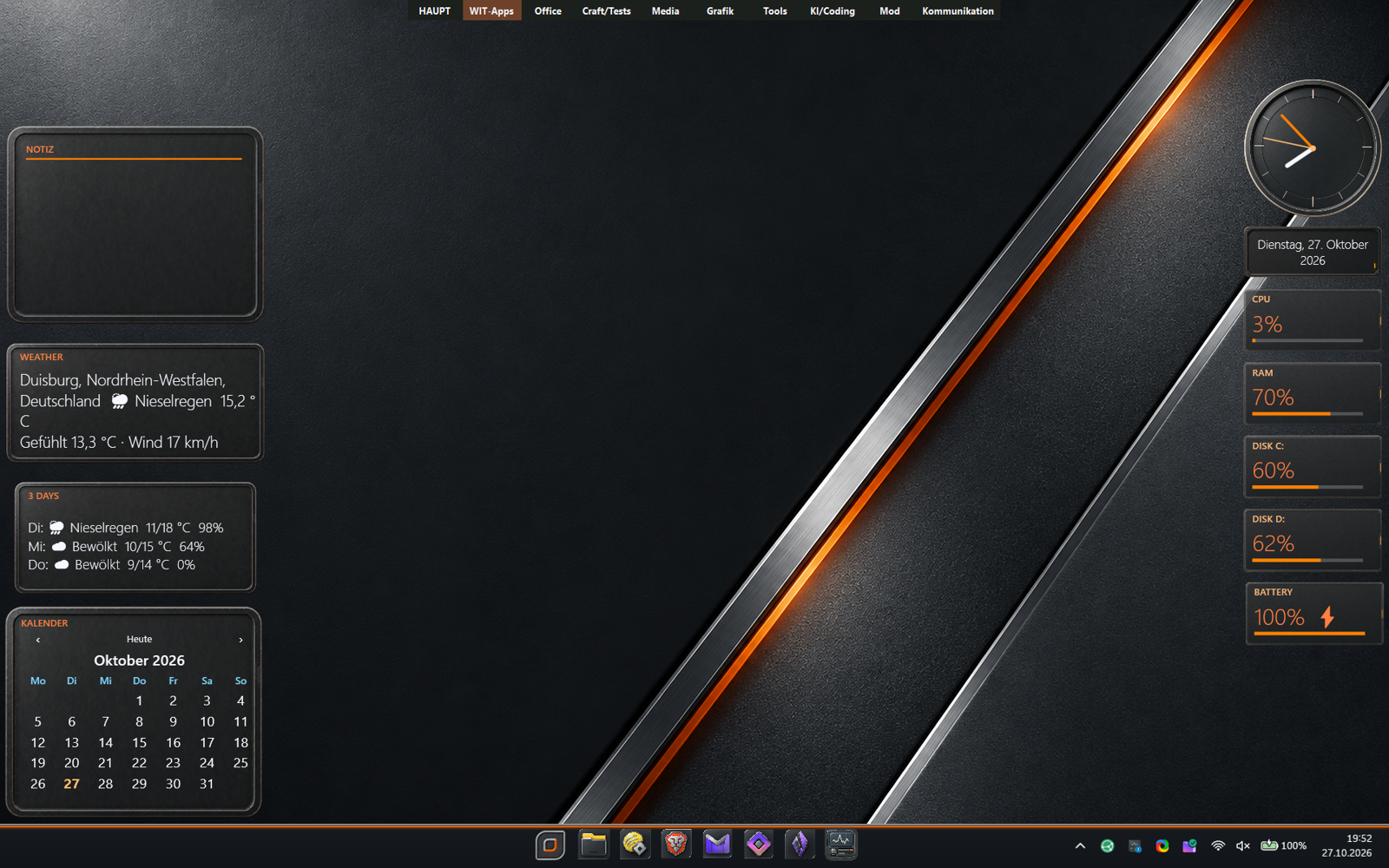
Quite proud of how easy SysCanvas can be setup.
V 0.99.20 is up.
Reply #24 Thursday, October 29, 2026 3:20 PM
New in SysCanvas 0.99.22 - Themes and previews in ThemeEditor. Coming soon.
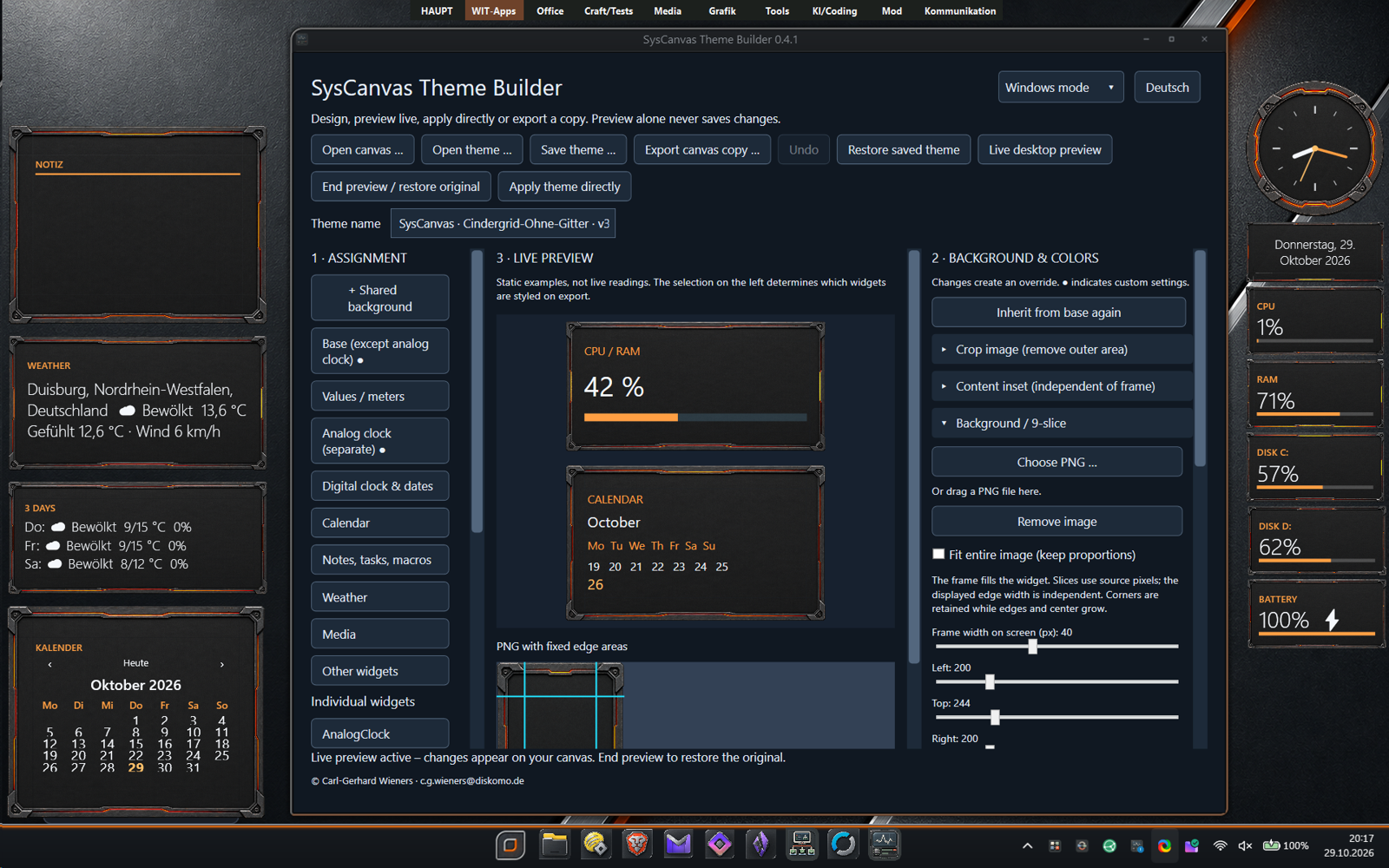
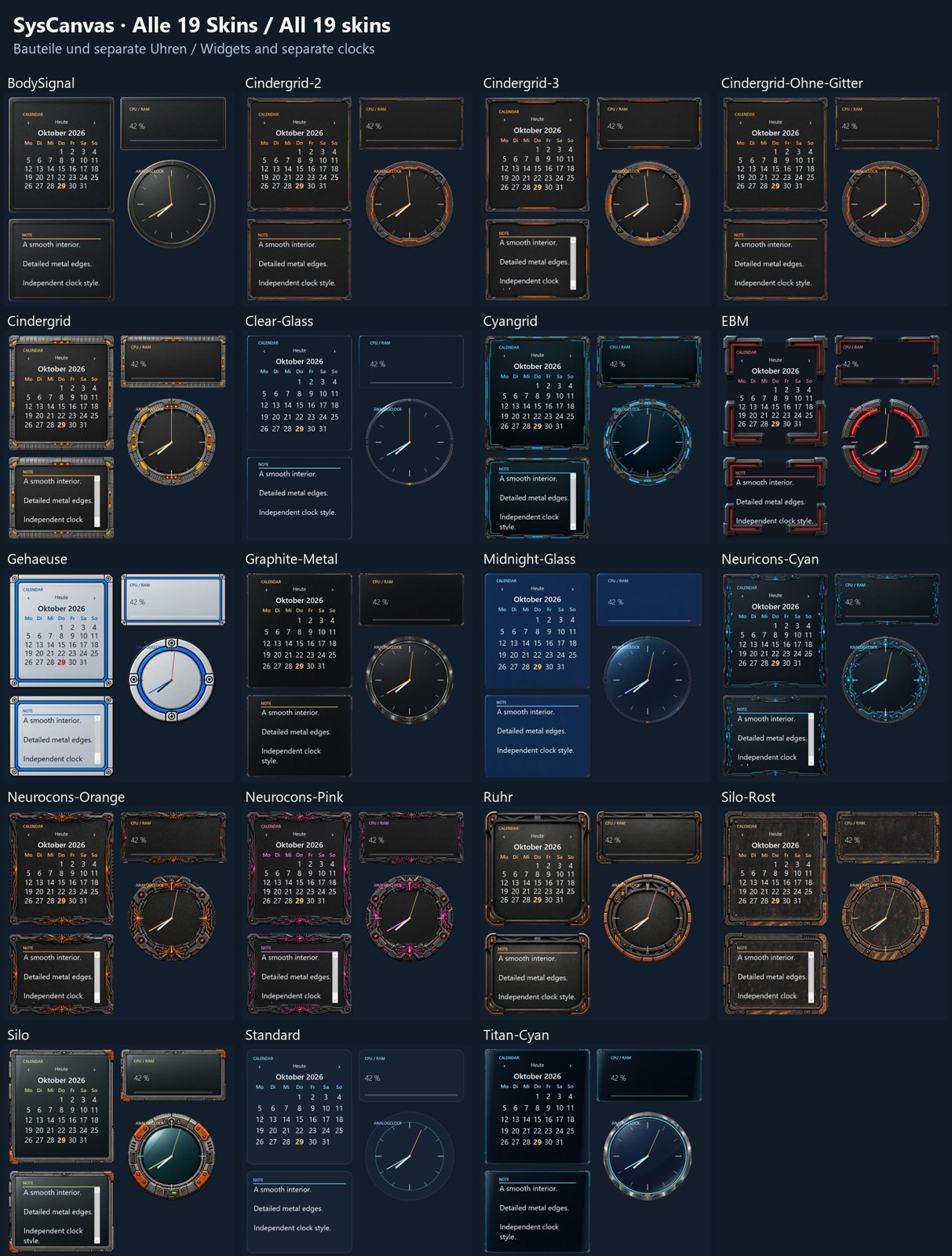
Reply #26 Friday, October 30, 2026 5:09 PM
New version of SysCanvas with ThemeBuilder and themes in the graphics section just released.
https://www.wincustomize.com/explore/graphics/1131/
Reply #27 Saturday, October 31, 2026 3:28 AM
I just uploaded KeyCanvas to the Desktop Gadgets section.
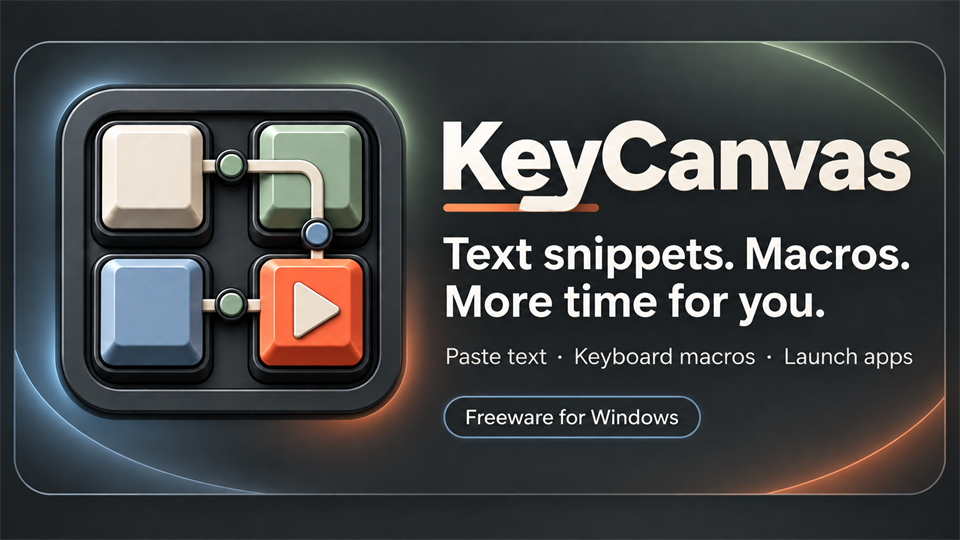
Text snippets & macros
A small button panel for recurring text entry and application launches. Useful for text snippets or tasks that would otherwise take several keyboard shortcuts.
- Insert text snippets or run keyboard sequences with pauses.
- Launch programs and Windows apps; organize entries into lists.
- Encrypted storage and export; customizable buttons and visibility on all virtual desktops.
Input is sent to the previously active target application. An additional physical-key mode helps with compatible input fields; execution stops if focus changes.
The Compact version requires .NET Runtime 10.0.14 or a later 10.0 patch (x64) and Windows App Runtime 2.x, version 2.4 or later (x64). Please install any missing runtimes.
Reply #28 Sunday, November 1, 2026 2:46 AM
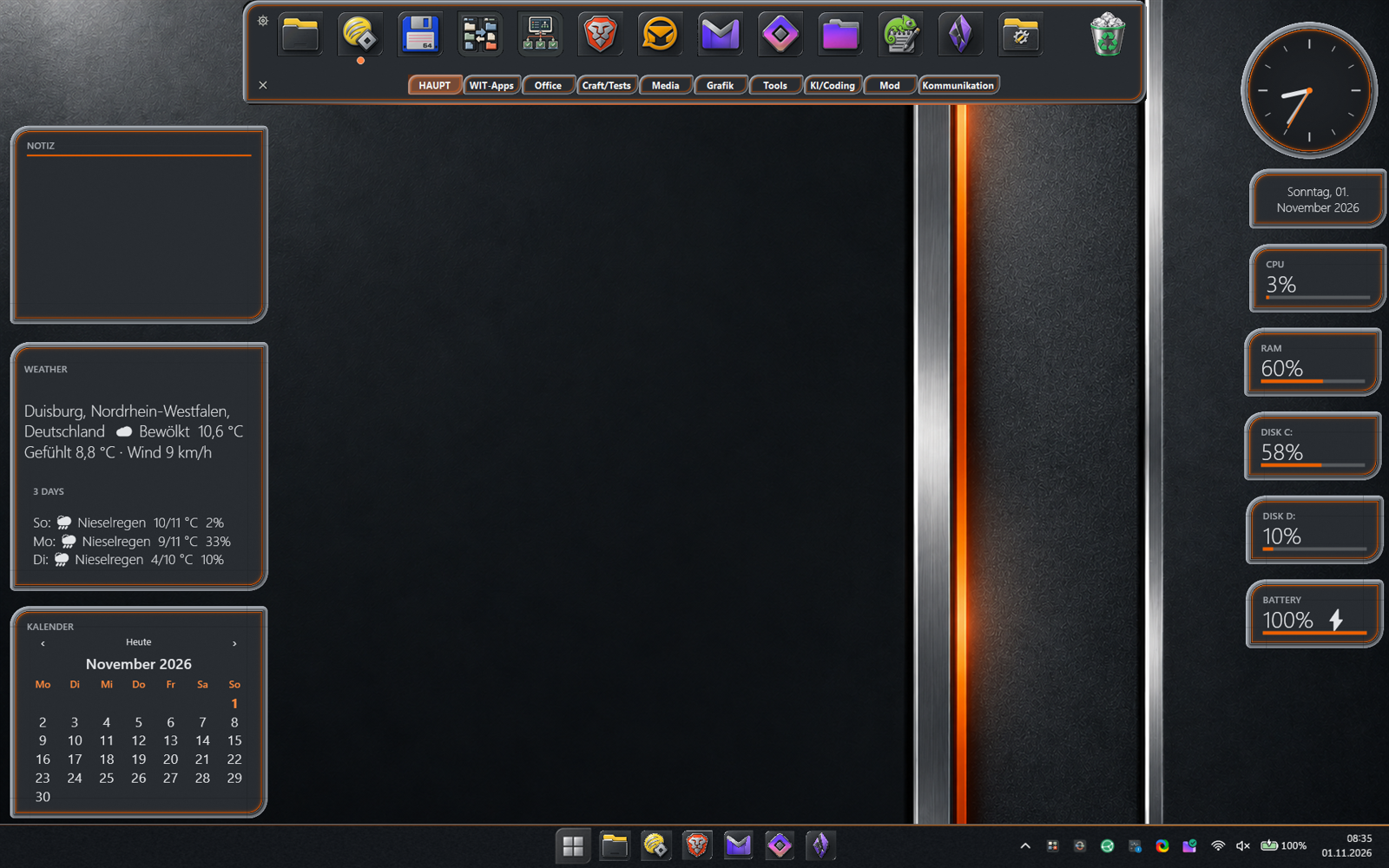
FlickDock 0.96 can use Syscanvas themes now!
FlickDock
SysCanvas-Themes

Reply #29 Sunday, November 1, 2026 3:56 AM
FlickDock 0.96 can use Syscanvas themes now!
Carl, I think your upload got borked, somehow.. Please re-upload and note file size in the Author comments, please. Thanks.
Reply #30 Sunday, November 1, 2026 1:01 PM
FlickDock 0.96 can use Syscanvas themes now!
Carl, I think your upload got borked, somehow.. Please re-upload and note file size in the Author comments, please. Thanks.
Fixed. 
Reply #31 Sunday, November 1, 2026 1:05 PM
I will continue in this thread to inform about new things I made and work in progress.
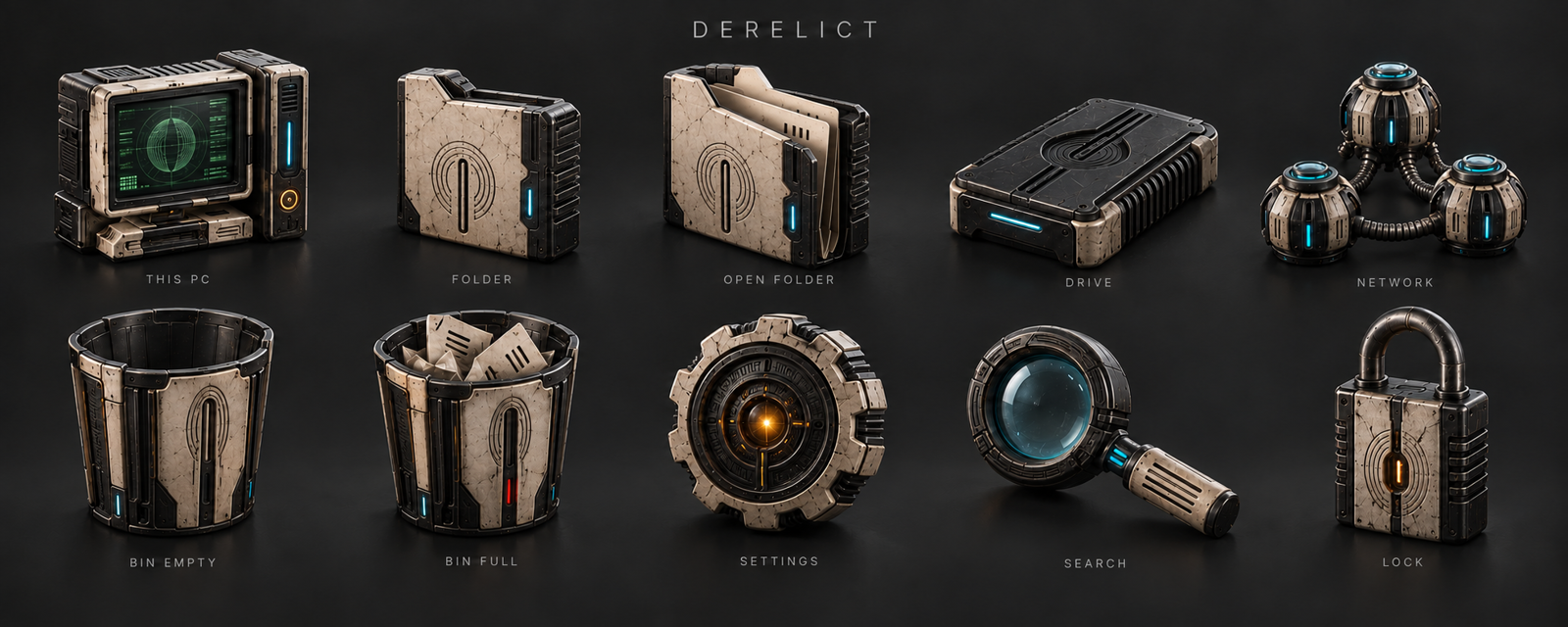
At the moment I work on 2 things: Making my apps skinnable with the SysCanvas theming as an option and there is a new suite on the way:
Please login to comment and/or vote for this skin.
Welcome Guest! Please take the time to register with us.
There are many great features available to you once you register, including:
- Richer content, access to many features that are disabled for guests like commenting on the forums and downloading skins.
- Access to a great community, with a massive database of many, many areas of interest.
- Access to contests & subscription offers like exclusive emails.
- It's simple, and FREE!
|
|
Page 2 of 2 | |
|
|---|
Reply #21 Tuesday, October 27, 2026 10:32 AM
Update: All apps are updated to contain the newest .NET components and security updates.
SysCanvas has a themebuilder now to play with.
Okay, I now have 0.99.19 with the Theme Builder.
Can you, in simple terms, explain the purpose of Theme Builder.
The main purpose at the moment is to be able to have an easier way to position and slice backgrounds for the gadgets and to save themes without destroying the layout of the running canvas. Themes only assign graphics and colors on existing gadgets without reordering them or adding new ones. It is not perfect at the moment, have to fiddle arround with it a bit more. The clock for example needs work and I want to have the preview live on the desktop