





































July 2022 Desktop Screenshots.
Saturday, July 2, 2022 by Jafo | Discussion: WinCustomize Talk
I'm 2 days late here....or 1 day late over there......
But it's July. This is mine....nothing thrilling...except I can say the MP3 audio replay quality is better on the VLC than anything from the Llama's ass ...
What's adorning yours this July? .... [if anyone's wondering...that's Julia Sawalha].....
 |
|
Page 3 of 3 | |
|
|---|

Reply #42 Tuesday, July 26, 2022 5:23 PM
OK, here's an update on how my Infinite skin will look with a darker explorer background that was requested. All comments appreciated. There will also be a white explorer sub-style in the final future release.




Reply #45 Wednesday, July 27, 2022 2:24 AM
I think they are both have incredibl detailing and are simply awesome!

Reply #46 Wednesday, July 27, 2022 9:17 AM
Sorry Doc, got a bit of the Brain Scramblilies there when entering the Image, fixed now though.
Image one or Two Doc.
Both look good to me...
First one drove me a bit crackers Doc to be truthful, so for now i am going with the 2nd image and a more minimal look.(I kept clicking the Extras by mistake, too much going on)
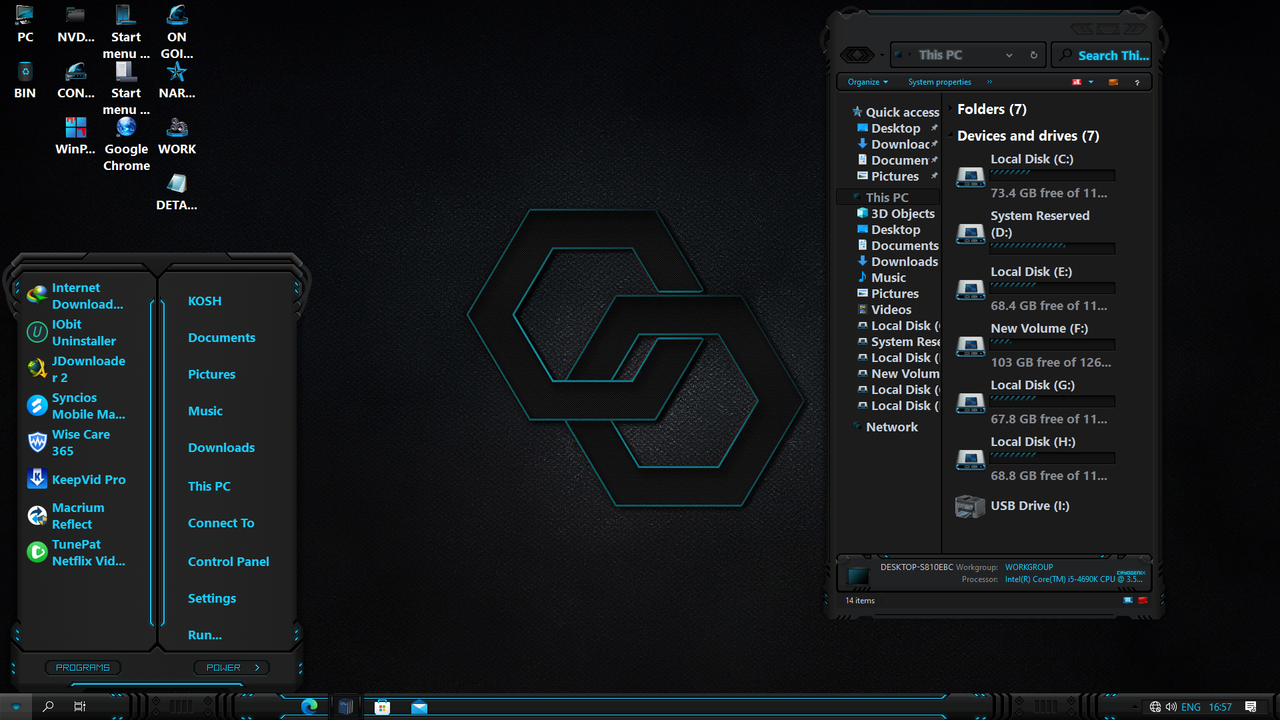
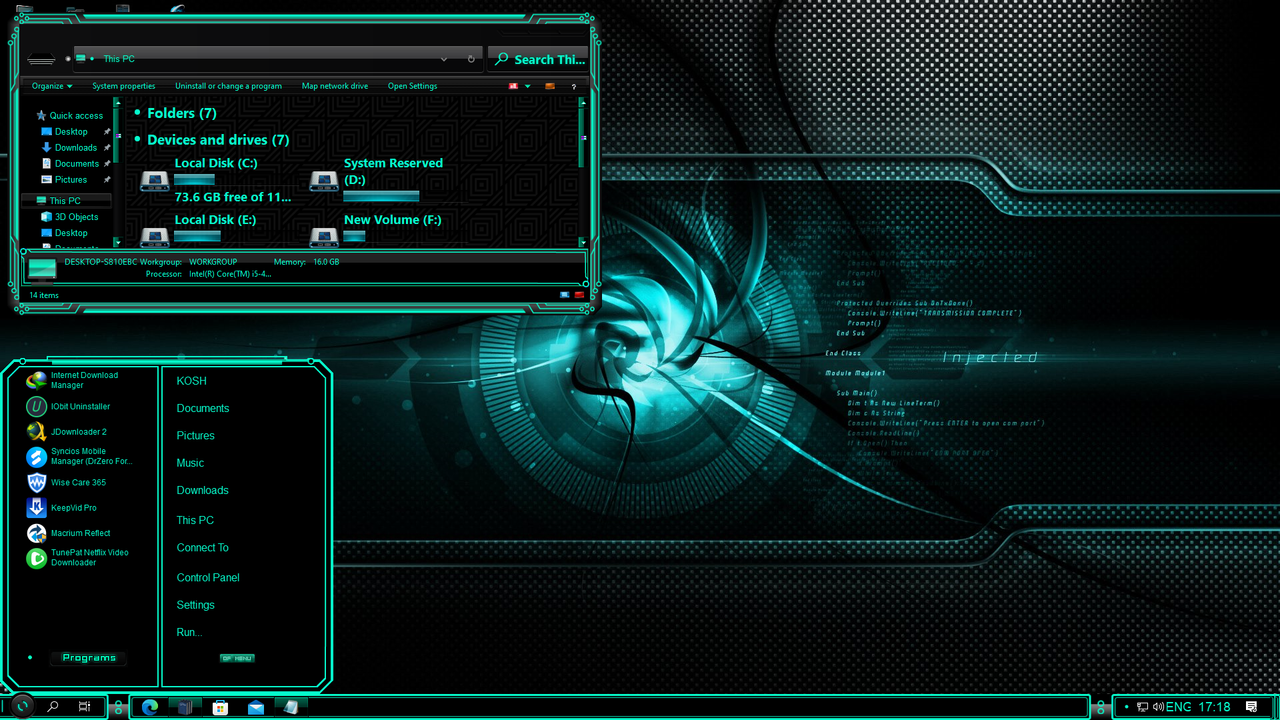

Reply #50 Wednesday, July 27, 2022 2:04 PM

Reply #52 Wednesday, July 27, 2022 2:56 PM
They are not windowblinds. They are msstyles and you have to hack your system to make them work.
Ahh right, thanks for clarifying that ! 
Reply #53 Wednesday, July 27, 2022 4:44 PM
How do I get my windows "windows" to look this way? I'm on W11 so can't use blinds or curtains yet? I want it to be customized this way though. Help?


Reply #55 Thursday, July 28, 2022 10:48 AM
All my recent Posts in this section are not msstyles, they are Themes Djque11369 and SwedishTom . The Hacking your System part, is not as scary as it sounds, yes two files need to be Patched and there are several dedicated tools on the Net to do this for you depending on which type of Theme and OS you wish to use them on. I am the biggest windowblinds fan ever, but felt i had no choice to look for alternatives as WB 11 was not ready when i moved over to Win 11 last year, so i put in some time looking for working alternatives to customise Win 11, below is my Favourite Theme right now Tron Legacy.
I never suggest any member follows what i have done without understanding the risks, Things can go wrong, and you need to know how to recover from this should it happen, my method was to buy several small cheap SSDs, install them in a multi booting system (Two With Win 10 on and 2 with Win 11 on), then only experimenting on the extra SSDs, (Not My Everyday SSD)this way if something did go wrong i could use Explorer to delete the two Theme files on the none Primary SSDs, and be back to normal in a few clicks. I built up confidence and got a feel for more recent Themes for Win 10 that would work well on Win 11, and ended up with this desktop on my Everyday Machine.
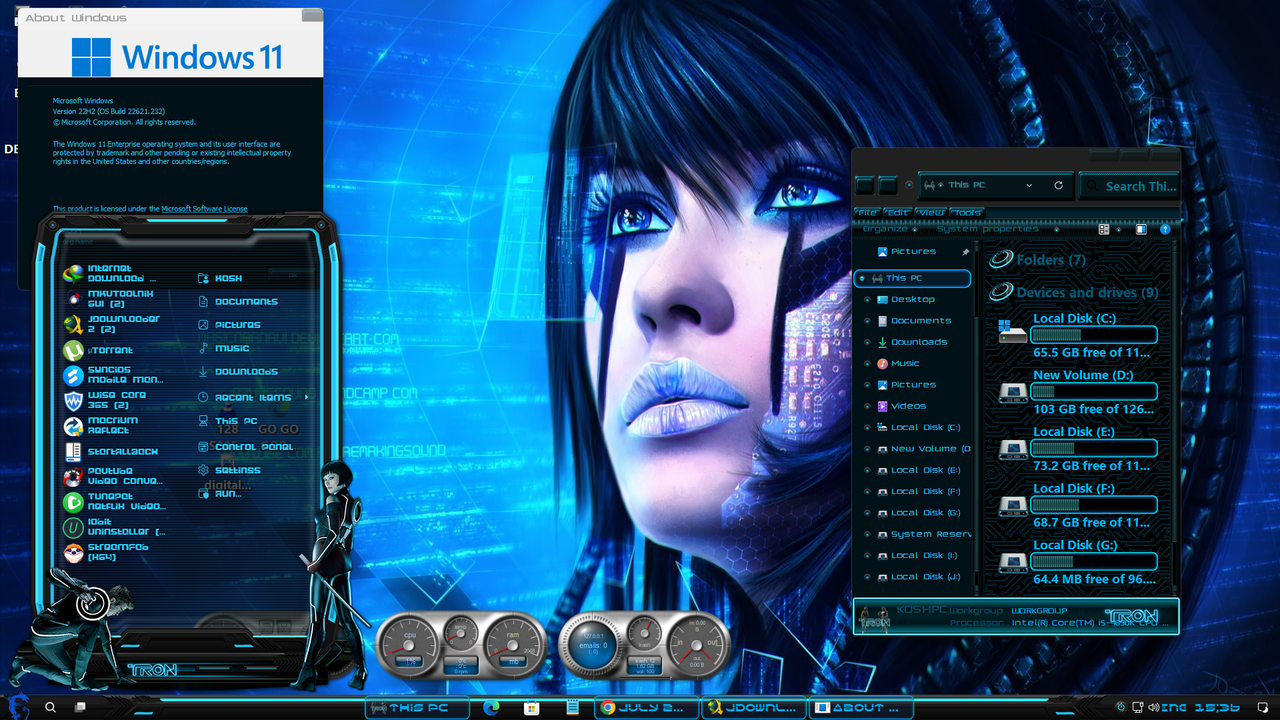
Reply #56 Thursday, July 28, 2022 11:04 AM
The "patched" files will void your warranty from MS. They can be recovered by using the elevated command prompt and typing in
sfc /scannow
on W10.
https://windowsreport.com/corrupted-system-files-windows-10/
Discusses repair of W10 and W11 system files.
Reply #57 Thursday, July 28, 2022 11:57 AM
I use UltraUXTheme Patcher Doc, they create a backup of the original files should you need to restore them, but in my recovery part i was speaking about the Theme files, if you apply them and it all goes wrong, i was indicating how to recover and remove the Theme files manually, getting you back to were you started before applying the Theme.
I always advise caution whenever i talk about Themes and there use. Just like we have a Forum here talking about how to use Stardock Programs, there are many similar websites connected to Themes and there use on the Net. I was an absolute Newbie, when i realised WB would not work with Win 11, but needing customisation, i put the time in, created safer working ways, and now due to my Beta Testing of Themes, i have come a long way.
Hopefully if peeps who wish to follow a similar path, put in the man hours prior to testing something new, and take some basic steps, there warranty will stay safe, myself wouldn't trust MS with A Warranty for my Potato Peeler, but that is just me (too Many Moving Parts  ) others may feel different.
But if i was not clear enough, Do Not Do This On Your Shiny New In Warranty Machine.
Reply #58 Thursday, July 28, 2022 12:26 PM
I use UltraUXTheme Patcher Doc, they create a backup of the original files should you need to restore them
Windows has that in a partition anyway. I mentioned what I did for people to get a complete picture.
Used to be that MSStyles and the like weren't mentioned because Stardock is an MS gold partner.
Reply #59 Thursday, July 28, 2022 7:51 PM
My next Windowsblinds Master Skin release for Windows 10 will be a skin called Crunge, hopefully August 1st. Here is a preview of what to expect:

Hope everyone likes it, I do! More skins to come!
Please login to comment and/or vote for this skin.
Welcome Guest! Please take the time to register with us.
There are many great features available to you once you register, including:
- Richer content, access to many features that are disabled for guests like commenting on the forums and downloading skins.
- Access to a great community, with a massive database of many, many areas of interest.
- Access to contests & subscription offers like exclusive emails.
- It's simple, and FREE!
|
|
Page 3 of 3 | |
|
|---|
Reply #41 Tuesday, July 26, 2022 12:39 PM
Sorry Doc, got a bit of the Brain Scramblilies there when entering the Image, fixed now though.
Image one or Two Doc.