






































Animated Wallpapers for your Christmas and Holiday Desktops
Thursday, December 13, 2012 by Island Dog | Discussion: WinCustomize News
We’ve taken a look at some holiday inspired WindowBlinds skin, and some wallpapers, so I figured next up would be some animated wallpapers (.dreams)! We have some awesome holiday animated wallpapers that look absolutely great on your PC desktop, and go especially well with some of the Christmas WindowBlinds skins we also have on the site.
To use these you will need DeskScapes. Get more info and the download here - https://www.stardock.com/products/deskscapes/


Christmas Cottage by amitsaran
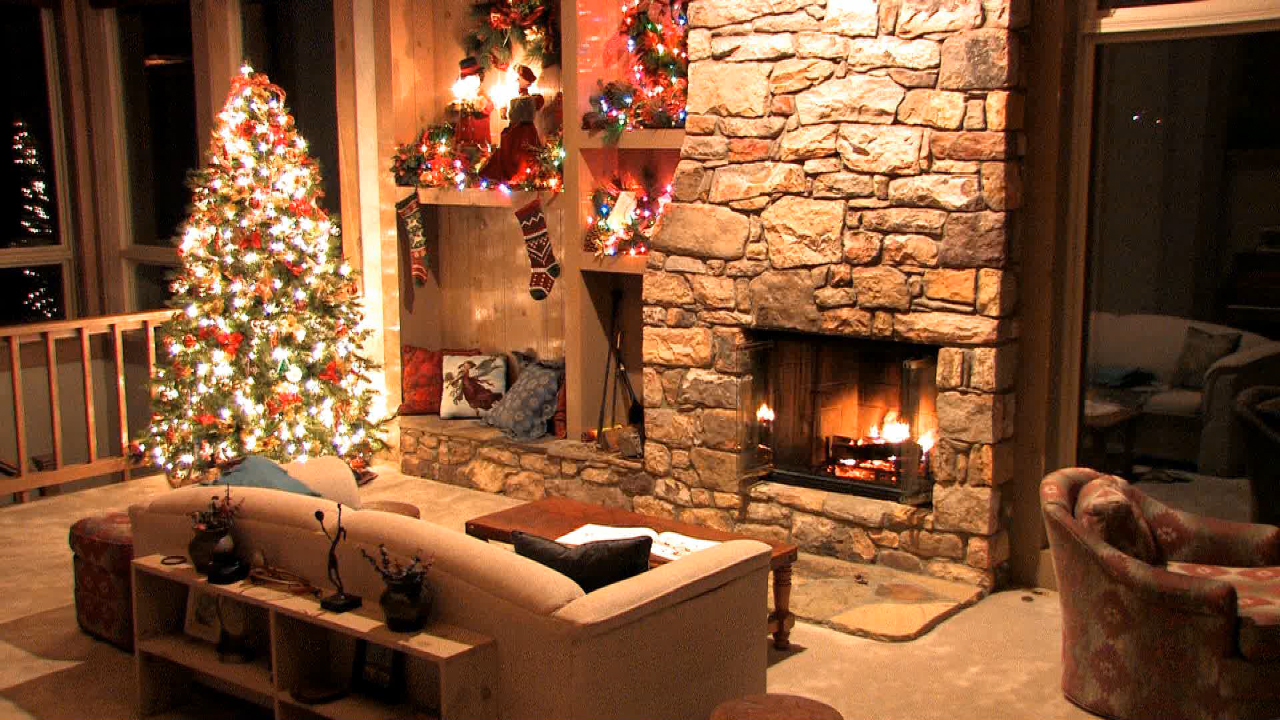

Christmas Fire (Dual Monitor) by CarGuy1


Reply #2 Thursday, December 13, 2012 2:07 PM
I'm still very fond of the hybrid WC Community Holiday Suite '09 by CarGuy1 https://www.wincustomize.com/explore/dream/2603/
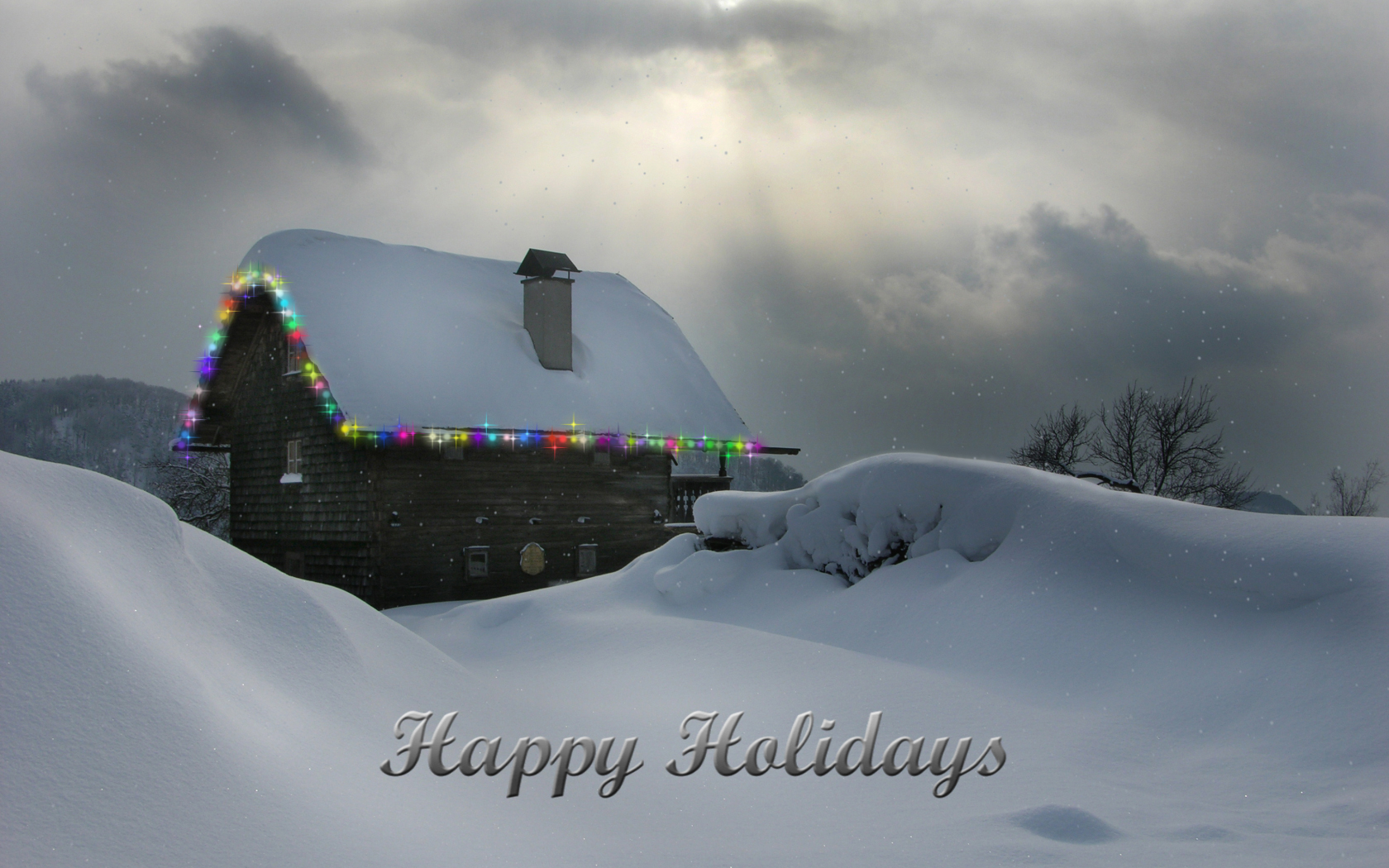
I also get a lot of use out of the "Snow" dream that is included with DeskScapes - turns any wallpaper into a snowy delight. 

Reply #3 Wednesday, December 19, 2012 6:18 PM
How do you manage to do that, as mine changes the actual wallpaper to something like a night sky ?
Reply #4 Wednesday, December 19, 2012 11:09 PM
Configure Deskscapes / Click on "Winter Snow" dream / wait for preview to appear in config window / click on "Dynamic Dream Settings" tab 2nd from the left on the bottom / Window pops up, select "What background should be used?" - "Custom" towards the bottom / click on rectangle to the right of "Custom" and browse to wallpaper.

Reply #5 Thursday, December 20, 2012 5:40 AM
For those without a dual monitor setup, you can get the regular version of Christmas Fire Dream here...

Please login to comment and/or vote for this skin.
Welcome Guest! Please take the time to register with us.
There are many great features available to you once you register, including:
- Richer content, access to many features that are disabled for guests like commenting on the forums and downloading skins.
- Access to a great community, with a massive database of many, many areas of interest.
- Access to contests & subscription offers like exclusive emails.
- It's simple, and FREE!
Reply #1 Thursday, December 13, 2012 10:38 AM
very nice pics everyone, well done too all, and Thanks again ID good choice