









































A Few More ObjectDock 2.0 Images
Wednesday, February 17, 2010 by Island Dog | Discussion: WinCustomize News

Since people have been asking for more, so here are a couple more screenshots of the upcoming ObjectDock 2.0. You can gain early access to the beta by pre-ordering.


 |
|
Page 2 of 2 | |
|
|---|

Reply #22 Thursday, February 18, 2010 9:14 AM
$9.95 is not too bad. I guess I am not accustom to paying for upgrades of this nature. I will simply have to wait till I can renew my subscription first, then get CursorFX and then OdjectDock 2.0. Stardock makes good products and paying for them allows for better software in the future. Besides, most of us would probably blow those $9.95 on some crappy thing at the store or a couple of Whopper combos that would only last for a few minutes. 
Reply #23 Thursday, February 18, 2010 9:18 AM
Combined with fences Pro, ObjectDock is a very handy tool on my desktop

Reply #24 Thursday, February 18, 2010 10:26 AM
I'd like to get everything for nothing, but I don't have a problem paying $10 to upgrade to v2.0. WindowBlinds is more important appearance-wise, but ObjectDock is vital to me functionally.
Reply #25 Friday, February 19, 2010 5:32 AM

Reply #26 Sunday, February 21, 2010 3:54 AM

Reply #27 Sunday, February 21, 2010 11:35 AM

Reply #28 Monday, February 22, 2010 12:29 AM
Can you post a pic of that working mate.... 

Reply #29 Tuesday, February 23, 2010 5:28 PM
 Been a stardock customer for a long time, and every year they seem to deliver a little less.
  I really hope they have a few hidden features up their sleeve on this one.


Reply #31 Tuesday, February 23, 2010 11:12 PM
Umm, I don't think that's an OD 2.0 image, Jim, you humble person, you! 
Reply #32 Wednesday, February 24, 2010 12:22 AM
Hey, what can I say? lol
I get it where I can...lol
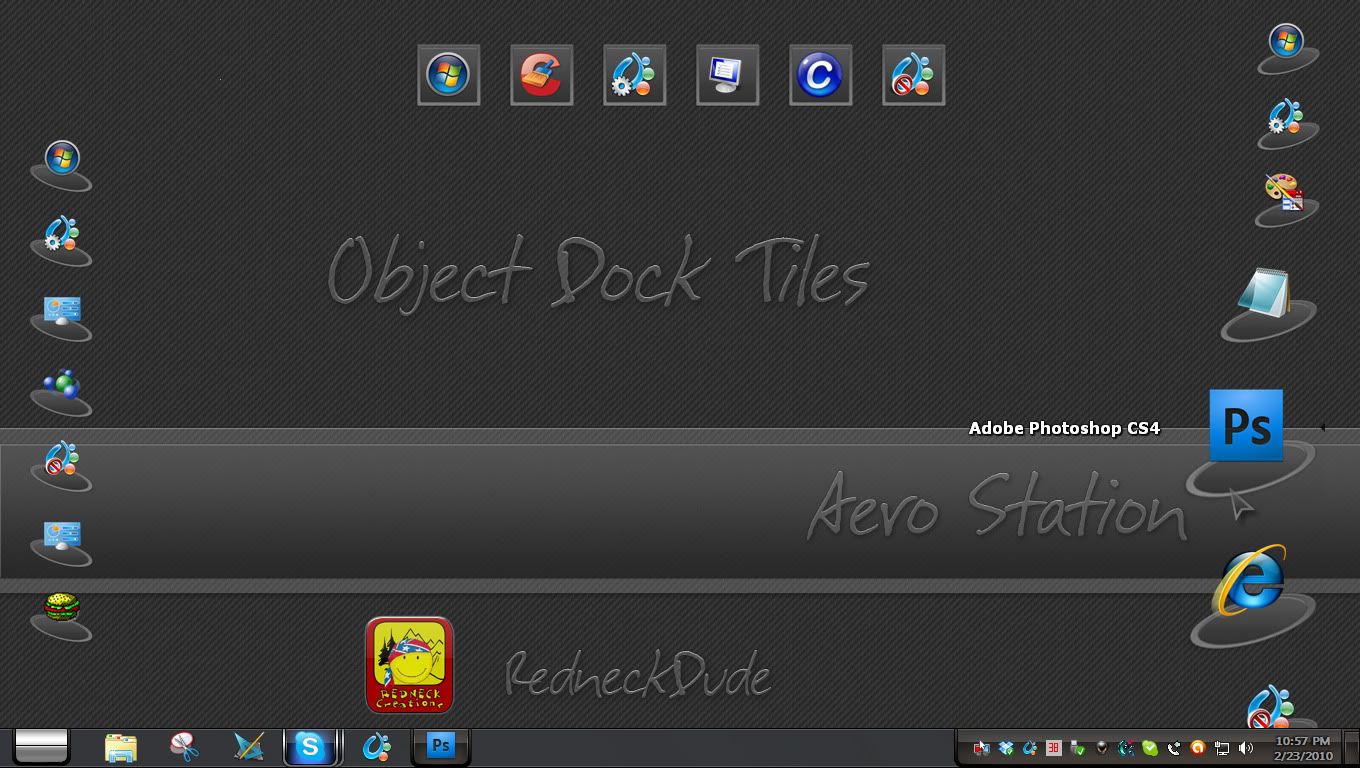

Reply #33 Wednesday, February 24, 2010 1:20 AM
Really! http://webgizmos.wincustomize.com/skins.aspx?libid=29 What a shameless plug! 
 Ya've got me in stitches.
Reply #35 Wednesday, February 24, 2010 2:05 AM
Hehehehehe!  Oh damn! How did that link get in there!?

Reply #36 Thursday, February 25, 2010 10:19 AM

Reply #37 Friday, February 26, 2010 10:22 AM
Quoting Wet Monkey, reply 26Object Dock Plus does currently allow you to create sub-menus. Click ..this dock, add, new fly-out menu. Been using it for years this way and it works really well. Just make sure that after you create your new fly-out menu that you select the "custom menu" radio button from within the properties of that dock and select add to add a sub dock object, example Word, Excel etc...
Can you post a pic of that working mate....
You mean like this?
http://img96.imageshack.us/img96/8301/workingq.jpg
or
http://img528.imageshack.us/img528/3681/working2.jpg
?
Reply #38 Sunday, February 28, 2010 6:25 AM


Reply #39 Sunday, February 28, 2010 7:55 AM
If that's a Dell Dock, you won't see it in OD... The Dell Dock is governed by exclusive contract with Dell, I believe....although, Impulse Dock has something very similar....no transparency, though.
Please login to comment and/or vote for this skin.
Welcome Guest! Please take the time to register with us.
There are many great features available to you once you register, including:
- Richer content, access to many features that are disabled for guests like commenting on the forums and downloading skins.
- Access to a great community, with a massive database of many, many areas of interest.
- Access to contests & subscription offers like exclusive emails.
- It's simple, and FREE!
|
|
Page 2 of 2 | |
|
|---|
Reply #21 Thursday, February 18, 2010 4:29 AM
Its only 6 (uk) pounds!!!!! Its the price of a burger meal or something. Amazingly cheap for a clever and probably very good piece of software.