







































Categorizing Desktop Shortcuts?
Help please
Monday, October 26, 2009 by Aiyaaa | Discussion: New Users
Hey, I'm really new to all this customizing
So far I have this for my desktop
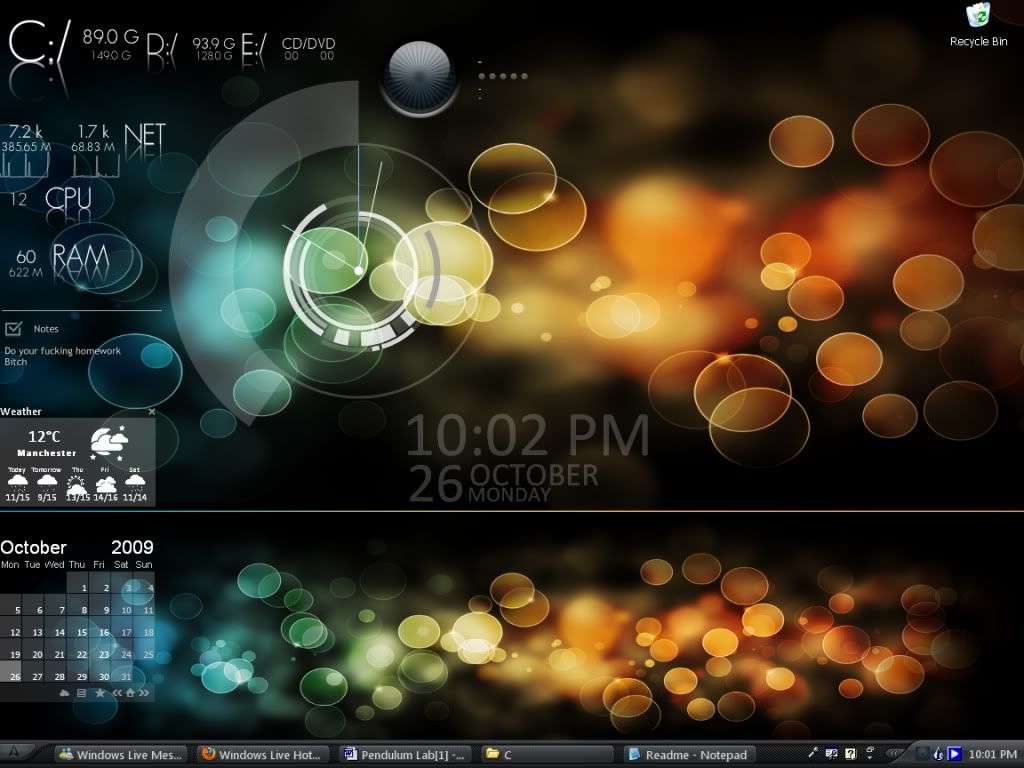
What I want to know, is how to add the shortcuts like this guy (PoSmedley) has on the right of his desktop. Like how he organized all the shorcuts into little transparent sections.
Also, I would also like to ask how he got the icons (expecially the firfox, thunderbird etc. icons)
And one final thing, I downloaded the rainlendar skin that he is using and would also like to know how to change the location to Brampton, Onatrio Canada

I am currently running on Windows XP
Any help would be greatly appreciated, thanks!

Please login to comment and/or vote for this skin.
Welcome Guest! Please take the time to register with us.
There are many great features available to you once you register, including:
- Richer content, access to many features that are disabled for guests like commenting on the forums and downloading skins.
- Access to a great community, with a massive database of many, many areas of interest.
- Access to contests & subscription offers like exclusive emails.
- It's simple, and FREE!
Reply #1 Monday, October 26, 2009 11:27 PM
Fences, by stardock. That is what helps you categorize the shortcuts, although I prefer DX.
Link to Fences: https://www.stardock.com/products/fences/