




































 |
|
Page 1 of 3 | |
|
|---|



Comment #5 Thursday, April 18, 2019 12:08 PM
This one is a beauty Don! Great color scheme as well. 

And free 
Thanks so much,
Arnoud

Comment #6 Thursday, April 18, 2019 12:13 PM
Wonderful windowblind! Very pleasant and easy to use. Nice work, as always! Thanks for sharing! 
Comment #7 Thursday, April 18, 2019 1:31 PM
Thank you Arnoud. 
Thank you alphabyte.

Comment #8 Thursday, April 18, 2019 1:54 PM
Awesome!Well made & also Looks good plus free Thankyou Don
masive! 




Comment #12 Thursday, April 18, 2019 3:11 PM
I like the skin but why is my globe a severe oval? I use Start 10.
Comment #14 Thursday, April 18, 2019 5:17 PM
Try re-installing the skin, I'm running the latest version of Start10 (1.7) and it's fine on my end, also I"m running the latest Windows 10 version as well.
Comment #15 Thursday, April 18, 2019 5:19 PM
Thanks Chris.
[quote][/quote]
Thanks Mike.
Thanks Fred.
Thanks Don.
Thanks Jim.



Comment #17 Thursday, April 18, 2019 5:57 PM
Excellent work! I have different min/max/close buttons than in the screenie though - like none at all, just a glow.
Comment #18 Thursday, April 18, 2019 8:35 PM
If you're running in Maximum (window), then yes, it'll be just a glow, and not the oval btns in the regular (restore) window frame.

Comment #20 Thursday, April 18, 2019 8:42 PM
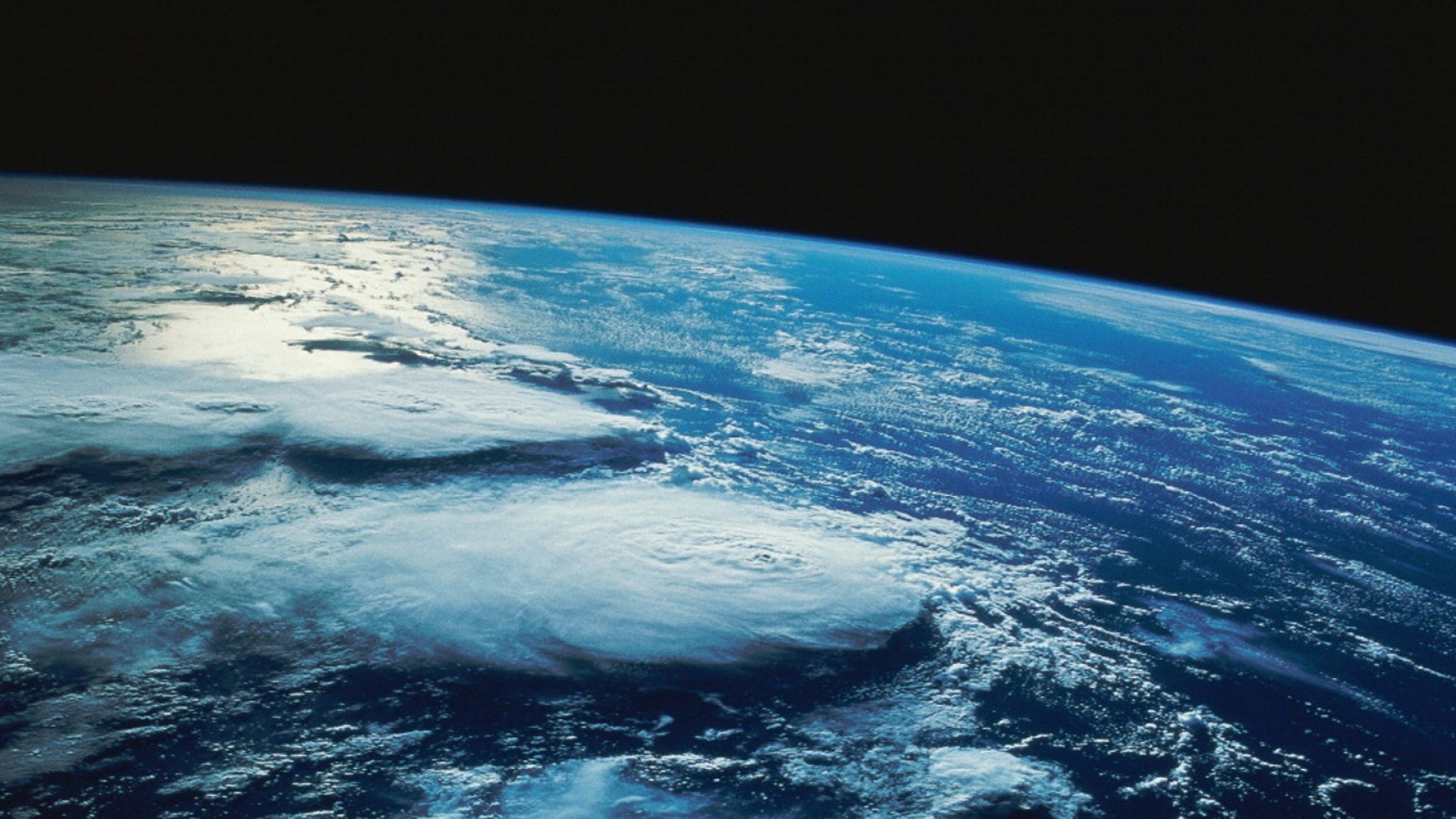
Love the animated earth on start panel. Great job.
Please login to comment and/or vote for this skin.
Welcome Guest! Please take the time to register with us.
There are many great features available to you once you register, including:
- Richer content, access to many features that are disabled for guests like commenting on the forums and downloading files.
- Access to a great community, with a massive database of many, many areas of interest.
- Access to contests & subscription offers like exclusive emails.
- It's simple, and FREE!
|
|
Page 1 of 3 | |
|
|---|





Comment #1 Thursday, April 18, 2019 11:03 AM
Sweet!