





































January 2026 Desktop Screenshots
Happy New Year Stardock and WinCustomize!
Wednesday, December 31, 2025 by DrJBHL | Discussion: WinCustomize Talk
Well, folks...here we are, together on New Year's Eve...with the desktop you chose (almost) unanimously.
WB/Winstep theme is Evolve WB by Master BoXXi, Winstep by Masters DanilloOc/WebGizmos and brought to you by Winstep Technologies/JcRabbit, wall by me and AI nano Banana.

To all the great, hardworking folks at Stardock, and to all the great people here at WC...to our community whether active or not, the happiest, healthiest and bestest (yes Jafo, that's a word  ) new year EVER!
Doc 
 |
|
Page 2 of 5 | |
|
|---|


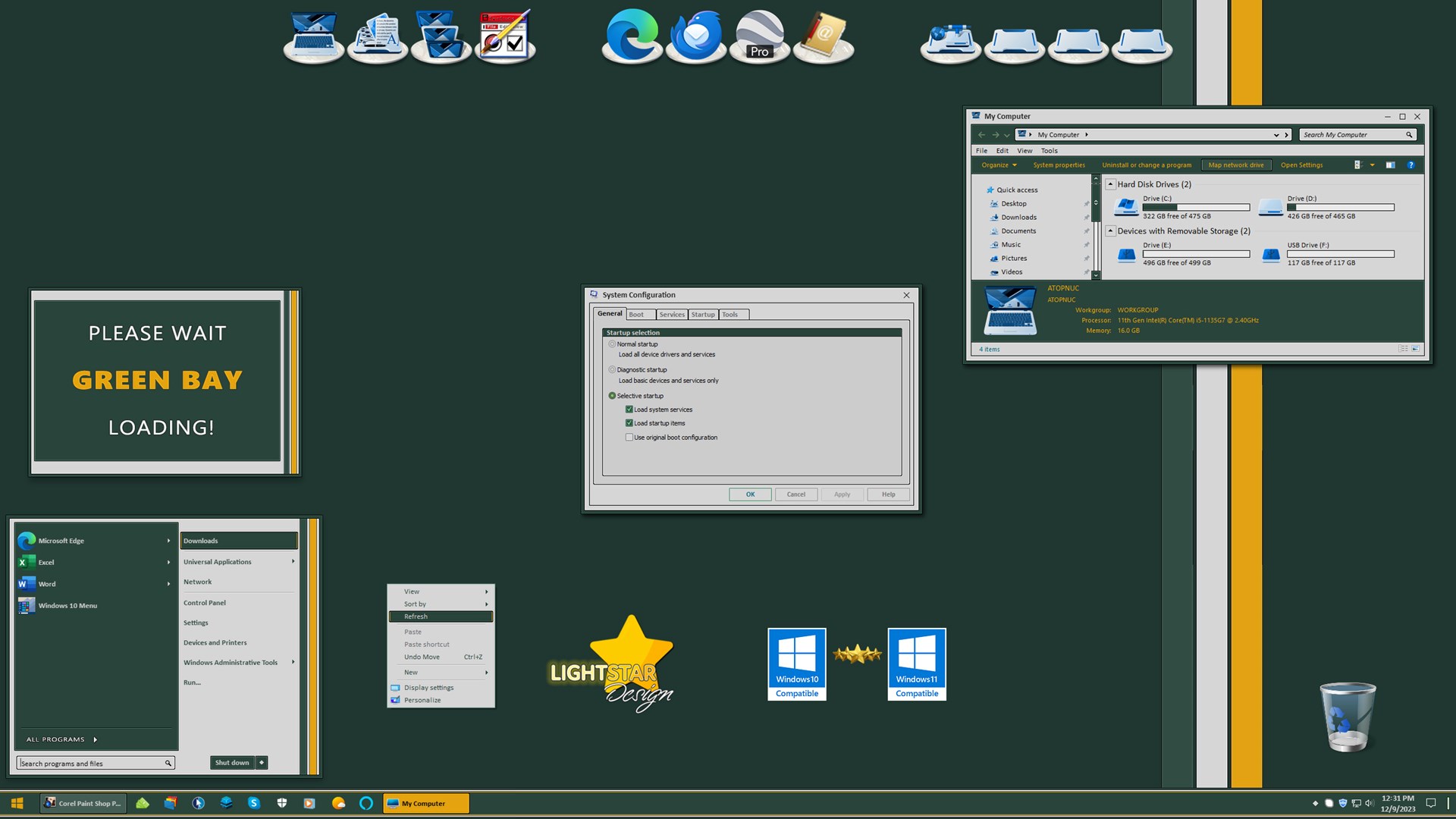
Reply #23 Wednesday, January 14, 2026 10:15 AM
A Cyborg for pelaird...this one needs some love.
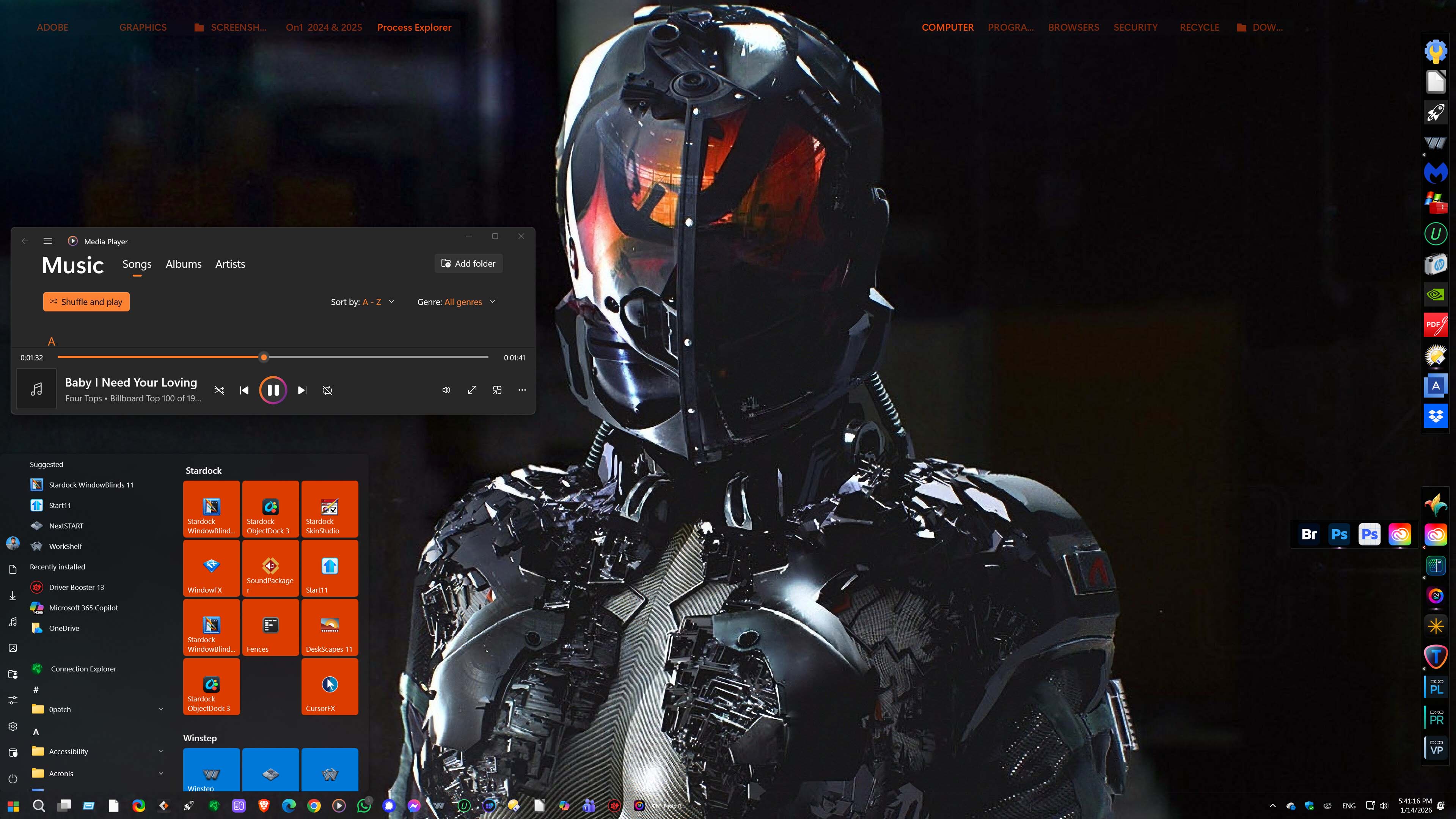




Reply #25 Thursday, January 15, 2026 5:53 AM
Here is my desktop right now, it is a new Premium Theme I am working on called Magical,,,

Lots more to do, comments truly appreciated! 


Reply #28 Thursday, January 15, 2026 9:52 AM
A Cyborg for pelaird...this one needs some love.


Reply #30 Thursday, January 15, 2026 5:30 PM
HUD by Vlad. Wall is by Icebabee. Widgets by me.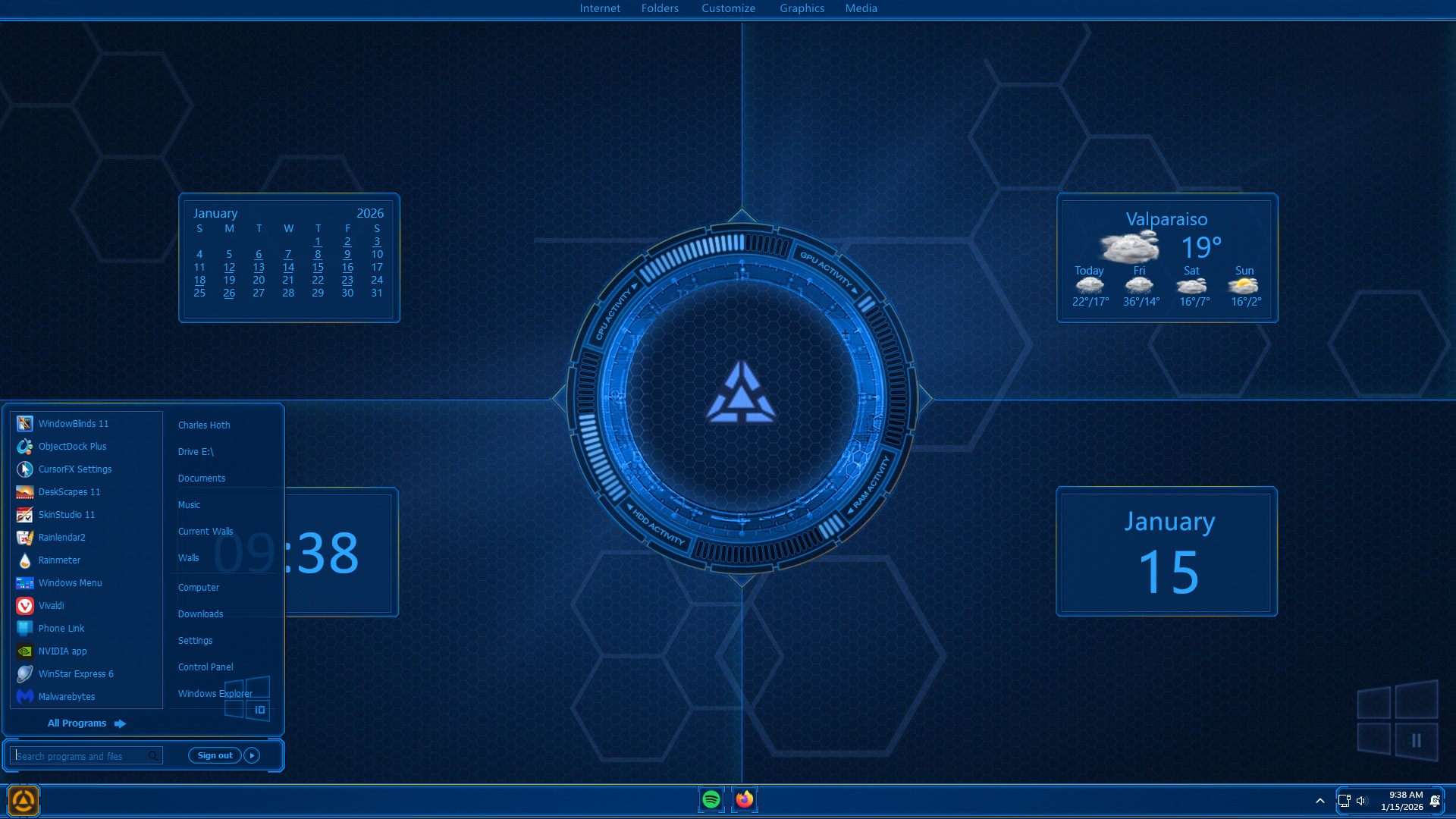

Reply #32 Thursday, January 15, 2026 7:07 PM
Let's not forget Vlad. This one is Chronos Blue. Vlad made the gadget a little over 5 years ago and it still works. This on the latest build of Win 11. The widgets and dock are by me.
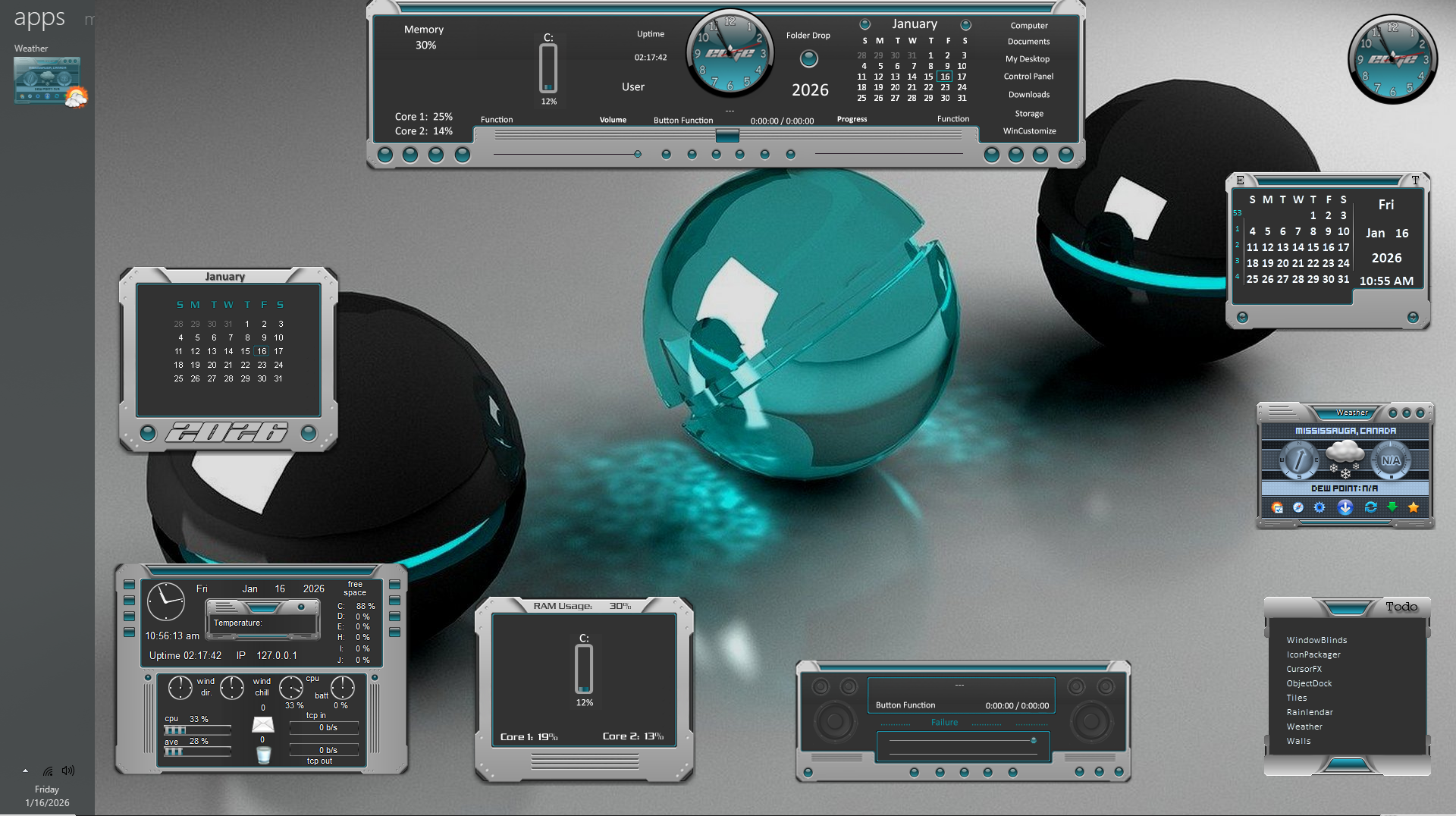
Reply #34 Friday, January 16, 2026 11:16 AM
This is my latest setup, an oldie but a goldie, "Edge" by navigatsio:
Reply #35 Friday, January 16, 2026 11:19 AM
Let's not forget Vlad. This one is Chronos Blue. Vlad made the gadget a little over 5 years ago and it still works. This on the latest build of Win 11. The widgets and dock are by me.



Reply #37 Friday, January 16, 2026 1:35 PM

Reply #40 Friday, January 16, 2026 9:12 PM
Please login to comment and/or vote for this skin.
Welcome Guest! Please take the time to register with us.
There are many great features available to you once you register, including:
- Richer content, access to many features that are disabled for guests like commenting on the forums and downloading skins.
- Access to a great community, with a massive database of many, many areas of interest.
- Access to contests & subscription offers like exclusive emails.
- It's simple, and FREE!
|
|
Page 2 of 5 | |
|
|---|
Reply #21 Monday, January 12, 2026 11:18 AM
My son and I were really hoping they would win this past Saturday.