





































June 2020 Desktop Screenshots
Sunday, May 31, 2020 by DrJBHL | Discussion: WinCustomize Talk
Half of 2020 gone? Really? I think I'm in a time warp.
Post your great screenies, WCers...
Mine:

 |
|
Page 4 of 6 | |
|
|---|



Reply #63 Wednesday, June 17, 2020 11:34 PM



Reply #66 Thursday, June 18, 2020 5:49 AM
Sublime. It came with an older version of WB. It's actually for Win 7 but works fine in Win 10! Here's a link to the suite Philly0381 put together for it: https://www.wincustomize.com/explore/suites/731/
This has been one of my fav skins! Be nice if it could be updated!

Reply #67 Thursday, June 18, 2020 5:58 AM
I managed to get an old Alienware theme to work on windows 10 mostly (Invader) from an old suite setup called alienguise. Obviously I cannot release it but its now applied to my Alienware laptop. Been wanting a good theme for this system for a while and none looked right for me.




Reply #71 Thursday, June 18, 2020 9:06 PM
I would use an orb style button but its seems to cut off on the top of the orb as of windows 10. Idk if windowblinds allows using larger orb style buttons anymore. This is the Xenomorph Style https://www.wincustomize.com/explore/suites/575/




Reply #76 Monday, June 22, 2020 11:49 AM
Windowblind.. Sol III by 2of3
Wallpaper Ess by Relhom
Xion skin...DecoReflections by Boopish

Reply #77 Monday, June 22, 2020 12:09 PM
Windowblind.. Sol III by 2of3
Wallpaper Ess by Relhom
Xion skin...DecoReflections by Boopish
I expect that the item mouseover on the right side gets chopped off on the top most item for you. That's because windows 7 reserves 40 pixels for the user icon even if it's hidden. You can easily "fix" it if it bugs you. Open the skin in skinstudio and move the right hand side top text margin down. You can do it incrementally, applying after a couple of pixels, until the mouseover is "whole" .
Reply #78 Monday, June 22, 2020 12:10 PM
I see that Win7 doesn't handle the shutdown button and the show desktop button the same as Win10 either!
Reply #79 Monday, June 22, 2020 12:18 PM
Cool shot, B!
Thank you Tim! And for the help! But it all looks perfect to me! I honestly have no complaints! Your wb is beautiful, and I love the 3 color choices! And it matches perfectly with Richards newest wallpaper! Thanks again!
Reply #80 Monday, June 22, 2020 5:04 PM
Perfect got perfecterrr... or something. Anyway, vStylers V O X is updated, and here's my version.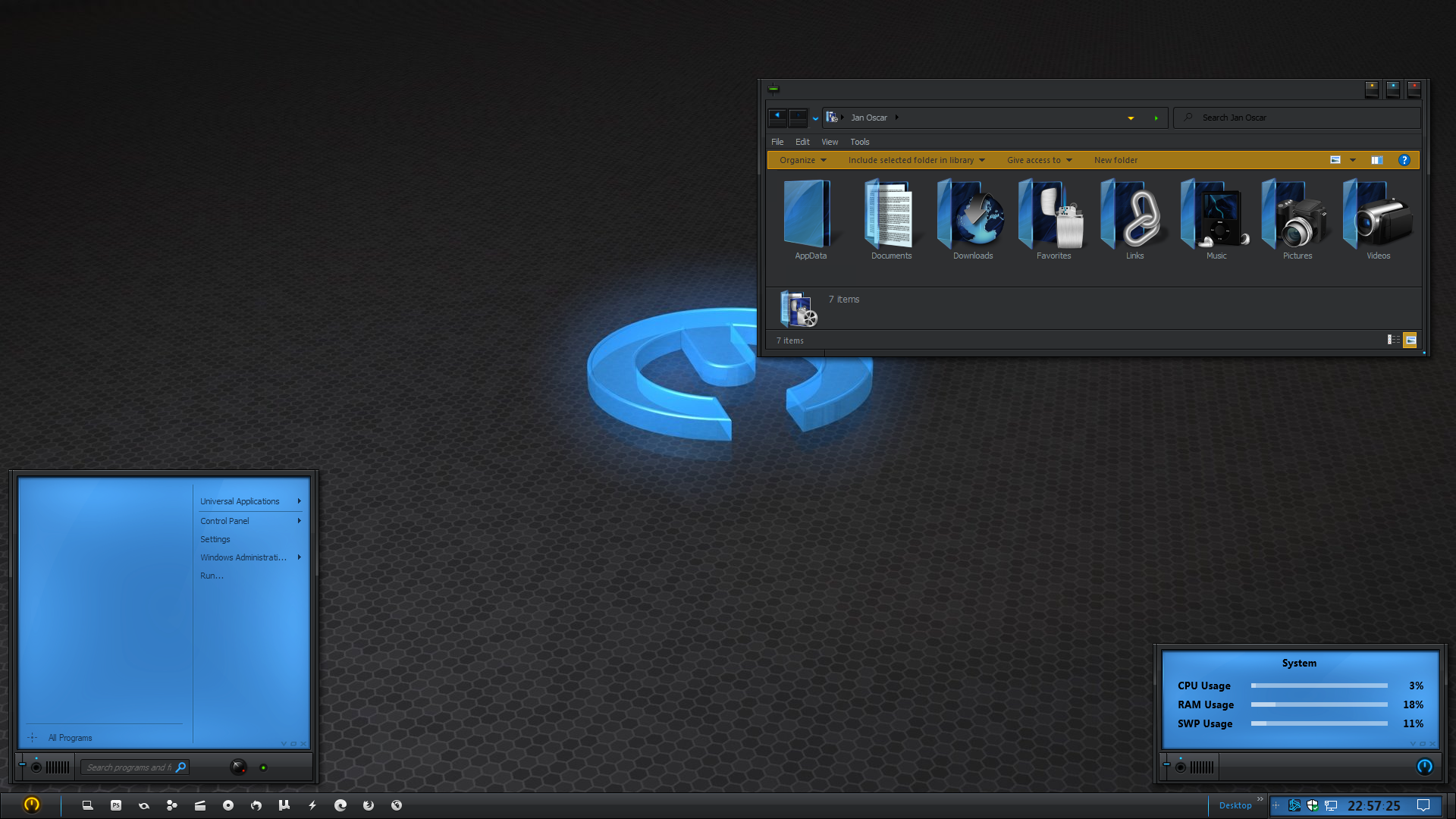
Please login to comment and/or vote for this skin.
Welcome Guest! Please take the time to register with us.
There are many great features available to you once you register, including:
- Richer content, access to many features that are disabled for guests like commenting on the forums and downloading skins.
- Access to a great community, with a massive database of many, many areas of interest.
- Access to contests & subscription offers like exclusive emails.
- It's simple, and FREE!
|
|
Page 4 of 6 | |
|
|---|
Reply #61 Wednesday, June 17, 2020 5:30 PM
Added RM meters & a RL calendar. I thought about making them smaller, but decided I like them big.
Nice Jan. Now that's customization!!!