





































Start8 User Pic
Help
Monday, September 15, 2014 by RedneckDude | Discussion: Object Desktop
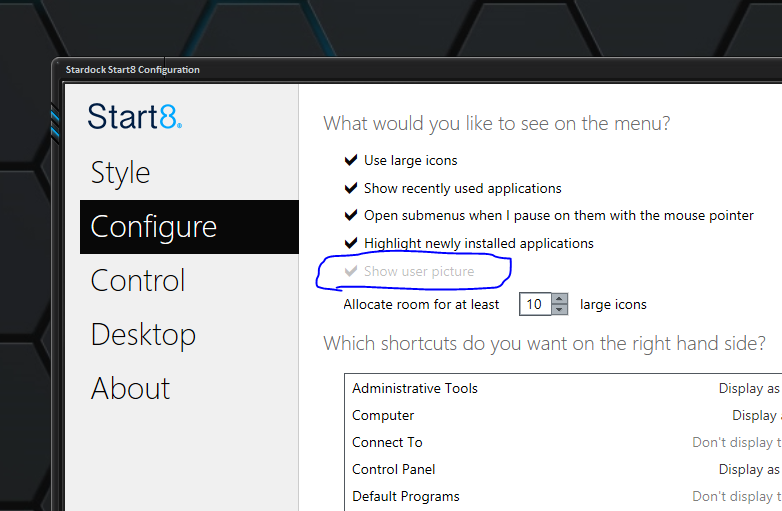
Why is "show user picture" grayed out?
Neil Banfield
Reply #2 Tuesday, September 16, 2014 10:35 AM
Reply #2 Tuesday, September 16, 2014 10:35 AM
There is no control over the user picture from Start8 if you are using a WindowBlinds theme. This is because control over this is a theme thing.

Please login to comment and/or vote for this skin.
Welcome Guest! Please take the time to register with us.
There are many great features available to you once you register, including:
- Richer content, access to many features that are disabled for guests like commenting on the forums and downloading skins.
- Access to a great community, with a massive database of many, many areas of interest.
- Access to contests & subscription offers like exclusive emails.
- It's simple, and FREE!
Reply #1 Tuesday, September 16, 2014 8:57 AM
Do you have this option set in WindowBlinds? I'm pretty sure that is the cause.
http://screencast.com/t/9zJguBsL