





































December Desktop Screenshots
Show off your stuff
Wednesday, December 1, 2010 by JukEboXAuDiO | Discussion: WinCustomize Talk
Ok considering it's been 12 hours into December and there is not thread yet I figured I would start one.

I know its been a while but I figured I would get my picture into the DeivantArt Desktop thread this month. This is my desktop picture at work. Its pretty simple because I am trying to keep my work computer clean. Picture runs across 2 20" Widescreen and 1 19" Standard monitor.
Programs Pictured:
ObjectDock V2.0 Pro
Weather Sidebar Gadget
Weather Radar Gadget
Notepad gadget
http://jukeboxaudio.deviantart.com/art/Work-01-12-2010-188102773?q=&qo=
 |
|
Page 10 of 13 | |
|
|---|

Reply #182 Sunday, December 19, 2010 6:03 PM
Sorry about that update. Wrong thread. Here's something different.


Reply #183 Sunday, December 19, 2010 10:43 PM
Choose 1.10 or, if you like more control... take HTC Home 2.0 RC
Thanks Doc  you know I told you I have a HTC Pure I kept looking at that SS thinking "hmmm I recognize that clock from somewhere" lol

Reply #184 Sunday, December 19, 2010 11:12 PM
^ Yep. You left it in the car. I couldn't help myself. 

Reply #185 Monday, December 20, 2010 1:10 PM
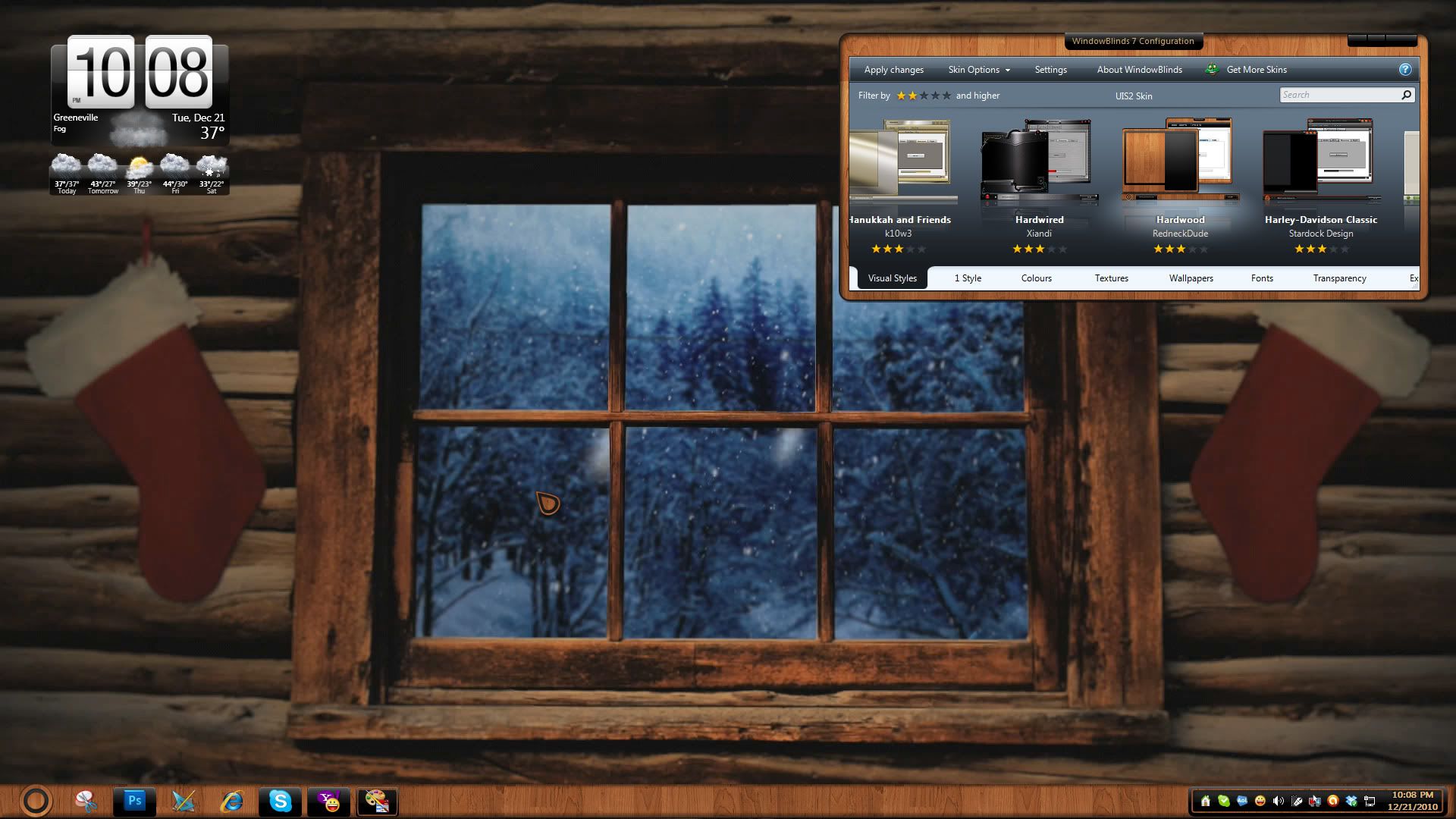
Winter Dream with photo taken on way home today.


Reply #188 Monday, December 20, 2010 2:11 PM
Svelte by vStyler, Wall "Quiet Night" - Vlad, Dream - "Winter Snow" - Neil Banfield, Widgie - HTC Home 2.0


Reply #190 Tuesday, December 21, 2010 4:02 PM
Cursor, Abracadabra,,,, Stardock Design Dreamscape, Aquatic Life,,,, Amitsaran
Windowblind, foggy days,,,,, gmc2 {Oh yeah}



Reply #193 Wednesday, December 22, 2010 5:04 AM
That log cabin looks so cozy. Betcha got a roaring fire going on there. Big ole Christmas tree in the corner and hardwood presents scattered all under it. 

Reply #194 Wednesday, December 22, 2010 5:40 AM
Good shot, Philly!
What's going on with your taskbar there.....seems kinda high?
Reply #196 Wednesday, December 22, 2010 9:44 AM
What's going on with your taskbar there.....seems kinda high?
I checked to make sure I didn't have the wrong style applied. That't the basic W7 style and I run large icons in the taskbar. It looks high to you? 
Reply #197 Wednesday, December 22, 2010 10:41 AM
Compare it to my screeny (top image shows large icons)
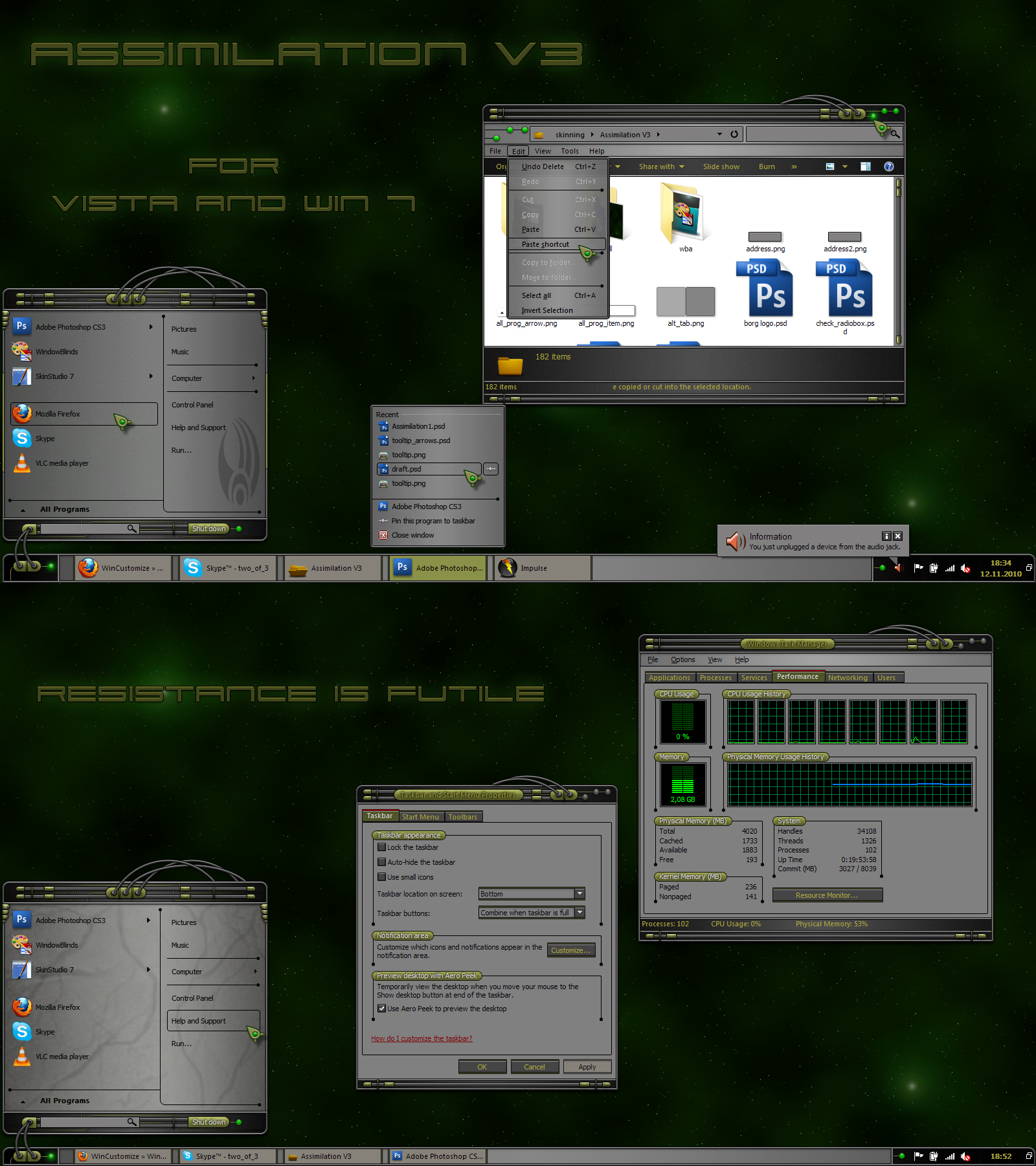
You have a lot of space under the startbutton compared to how it should look.
Reply #198 Wednesday, December 22, 2010 11:03 AM
Tim there is a difference in how our taskbars look. I think I'm showing the Win 7 look, could be wrong, you seem to be showing something different. Is that the problem?
Reply #199 Wednesday, December 22, 2010 11:14 AM
Philly, try unlocking your taskbar and then pulling the upper edge 'down'. Also, which substyle are you using?
Reply #200 Wednesday, December 22, 2010 11:17 AM
Ahhh
Quoting 2of3,
reply 194
Good shot, Philly!
What's going on with your taskbar there.....seems kinda high?
I checked to make sure I didn't have the wrong style applied. That't the basic W7 style and I run large icons in the taskbar. It looks high to you?
When using large icons that the smallest the taskbar will go. 
Please login to comment and/or vote for this skin.
Welcome Guest! Please take the time to register with us.
There are many great features available to you once you register, including:
- Richer content, access to many features that are disabled for guests like commenting on the forums and downloading skins.
- Access to a great community, with a massive database of many, many areas of interest.
- Access to contests & subscription offers like exclusive emails.
- It's simple, and FREE!
|
|
Page 10 of 13 | |
|
|---|
Reply #181 Sunday, December 19, 2010 5:02 PM
That's HTC Home 2.0.... and for you? HERE
Choose 1.10 or, if you like more control... take HTC Home 2.0 RC