





































November Desktop Screenshots
Monday, November 1, 2010 by Island Dog | Discussion: WinCustomize Talk
November!

 |
|
Page 3 of 9 | |
|
|---|










Reply #48 Saturday, November 6, 2010 6:11 PM
Still trying to figure out how to get rid of the Alias mask from showing on top of the Start menu..


Reply #49 Saturday, November 6, 2010 8:26 PM
HG, do you have the top part of the menu set to blur? If you set it to semi-transparency instead, that should go away.
Reply #50 Saturday, November 6, 2010 8:30 PM
in WB or SKS?
Reply #51 Saturday, November 6, 2010 8:35 PM
SKS. For the top part of the start menu, under the 'extra settings' tab.
Reply #52 Saturday, November 6, 2010 8:47 PM
yeh tried semi, none and the other all 3 gave same look
Reply #53 Saturday, November 6, 2010 8:57 PM
Hmm, have you checked anything in the transparency section in Windowblinds?
If you want, I can take a look at it and see if I can figure it out.


Reply #55 Saturday, November 6, 2010 9:07 PM
If you want, I can take a look at it and see if I can figure it out.
yup ive tried all the settings in WB too, it should be in ur WB gallery already, I believe it comes with WB is the SD Xenomorph skin.
Reply #56 Saturday, November 6, 2010 9:35 PM
OK, I looked at it. In SKS, you need to set ALL the parts of the start menu to semi-transparency, top, bottom, left, right and more programs. It fixes it. 
Reply #57 Saturday, November 6, 2010 9:52 PM
ok did that and it worked, but now unless im moving the mouse around.. the top part disappears all together.
Reply #58 Saturday, November 6, 2010 10:52 PM
Reply #59 Saturday, November 6, 2010 11:02 PM
figures,figures , prolly some issue with this dumb laptop. last time Toshiba updated drivers for it was 2009. sad part is i believe i bought it in 2008. Pathetic..
Reply #60 Sunday, November 7, 2010 1:23 AM
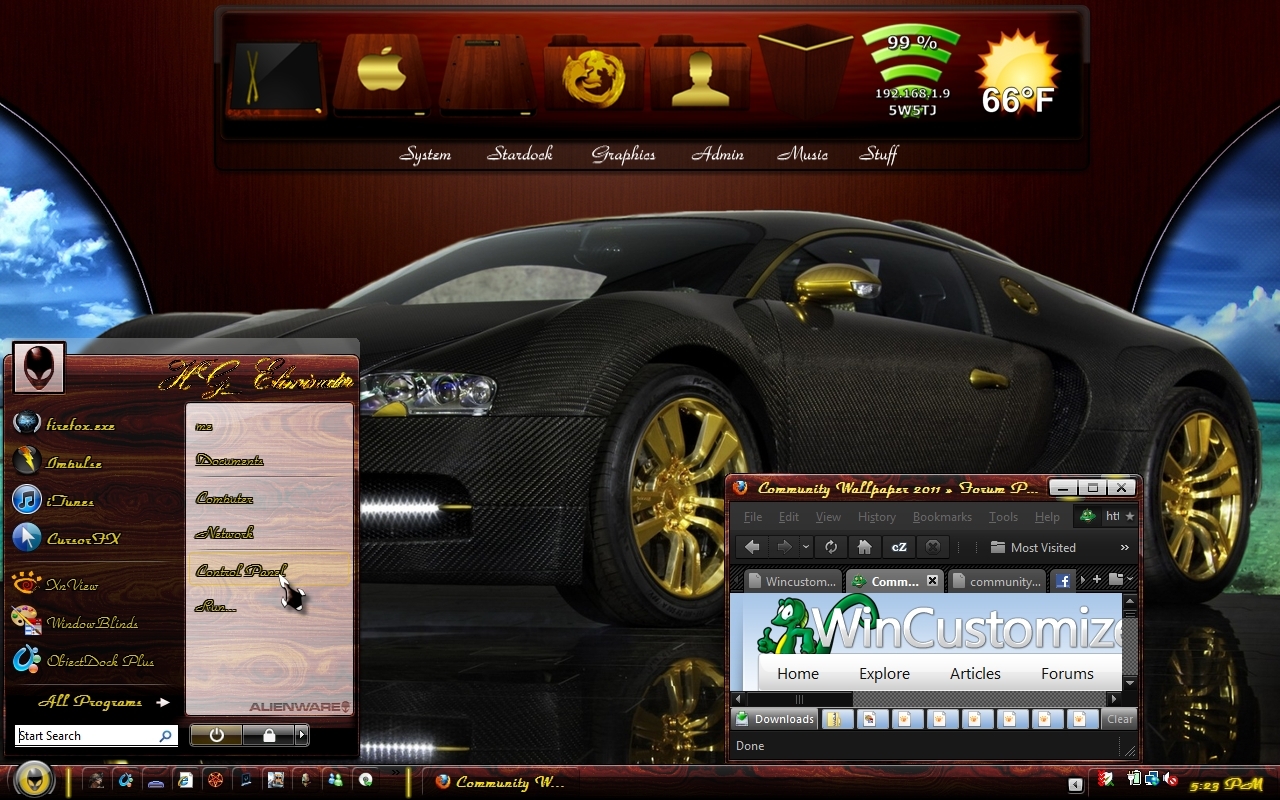
ok redone with more of a mahogany or purple heart feel to it..
Please login to comment and/or vote for this skin.
Welcome Guest! Please take the time to register with us.
There are many great features available to you once you register, including:
- Richer content, access to many features that are disabled for guests like commenting on the forums and downloading skins.
- Access to a great community, with a massive database of many, many areas of interest.
- Access to contests & subscription offers like exclusive emails.
- It's simple, and FREE!
|
|
Page 3 of 9 | |
|
|---|
Reply #41 Friday, November 5, 2010 10:47 PM
I 'thought' I was finished with my cockpit....but finally worked out a way to have functioning alpha-blended 'glass reflection' so I have cockpit glass....yippee!
Then there was the issue of the attack radar being a gau, not xml and refusing to allow a secondary xml reflection to work with it....clever me found a way....window 'layer' number 26 ....yes, it takes 26 'windows' to draw the screen....with the correct functionality.
I see so many 'Panels' uploaded/available that claim 'photoreal'.....and as thumbnails they often look the part...but loading them into FSX at 1680x1050 [ignoring distortions to proportions] and they look cartoonish mostly.....often with little in the way of functional gauges/switches.
It's probably 'fortunate' I have a half-decent GPU as I doubt this Panel of mine classifies as 'resource-friendly'.
Next step is to investigate how to get the joystick buttons to function....whilst with a moving stick .... probably the law of diminishing returns..... but it's all fun in skinning...
The original 1024x768 panel as comes with the purchased plane.
What happens when a 'skinner' gets carried away........