







































A DesktopX question (Solved)
Friday, October 29, 2010 by Philly0381 | Discussion: Stardock Support General
Here is what I am trying to do. I want to set up the desktop to show multiple wallpapers that were uploaded for a WB Theme. My DX Widget of choice is Core - Picture Frame. I have used this before when I wanted to show two wallpapers on the desktop and was able to use the clone option for the widget with no problem. The problem comes up when trying to do more than two picture frames. Cloning doesn't seem to want to let you do that. Also apparently you can not run multiple instances of a widget.
Now I know that I maybe missing something in the options for the widget but I sure can't seem to get it to do this. If anyone has any thoughts on this I would appreciate your help.
I do know that I could just build up the desktop by setting up two picture frames showing two walls and then make a screenshot of the desktop, save it and set it as my wallpaper and then add two more picture frames and so on untill I got all the six picture frames showing the wallpapers on the desktop. I was hoping that there would be an easier way.
Oh, I'm on Windows 7 Home Premium 64 bit and using DX 3.5 it that will make a difference.

Reply #2 Friday, October 29, 2010 12:54 PM
Philly, there is a setting in DX to allow multiple instances of a widget to run, but it has to be enabled by the author when exporting as a widget, and I don't think it works, as with a lot of things in DX.
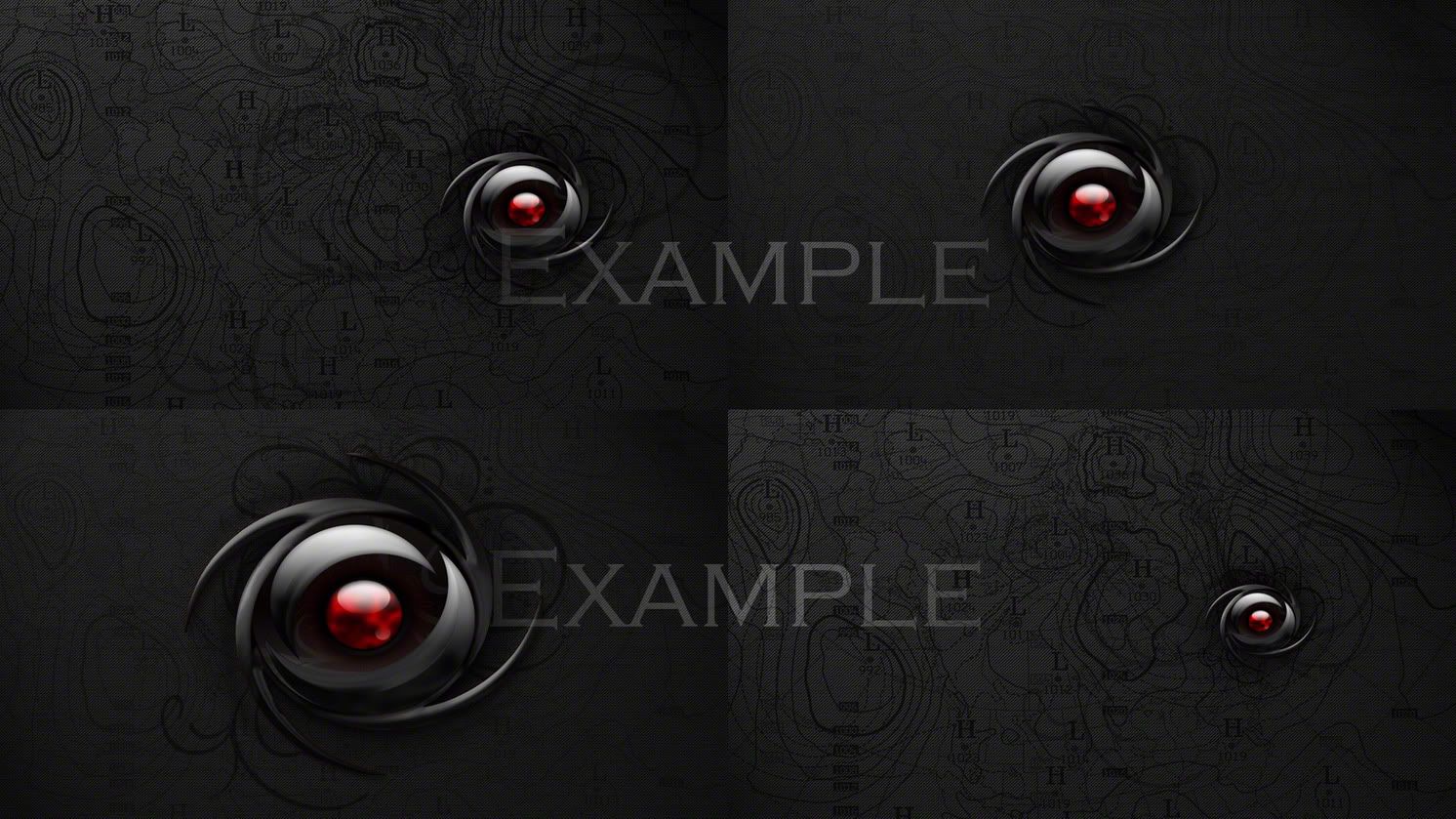
I would open a blank image in your graphics program, resize the images you want to use and place them into your blank image. Save it as your wallpaper, then continue with your screeny.
Example:

Reply #4 Friday, October 29, 2010 12:56 PM
Okay on the second part of the answer, but the first part went way over my head. 
With the Core Picture Frame I have no problem cloning it and having each one show a different wall/picture. It's when I want to do more then two that I am having the problem.
Reply #5 Friday, October 29, 2010 1:00 PM
Yeah RedneckDude that was the option that I mentioned I could do in the original post. I was just wondering if there might be a way to use the widget and stay away from a lot of work. Always lookinf for the easy way to do things. Also by using the DX Widget it puts a nice frame around it and you can size it and it looks oh so pretty. 
By the way, how did you know what WB Theme I was talking about.
Reply #6 Friday, October 29, 2010 1:23 PM
Psychic redneck.
Took me 2 minutes to do that, not a lot of work...lol.
Seems to me that what you are doing, or trying to do, is way more work....

Reply #8 Friday, October 29, 2010 1:38 PM
Uh Jim, you misspelled psychotic.
Reply #9 Friday, October 29, 2010 1:41 PM
Okay folks Quentin came up with the solution to running multiple instances of the widget. Don't open through DX, go directly to the folder for the widget and open it there. You can open it as many times as you want.
RedneckDude the widget, Core Picture Frames, puts your picture or wall in this case, in a frame and it looks nice on the desktop.
Give this a try RedneckDude, it's lot easier, well atleast in my thinking.
Reply #10 Friday, October 29, 2010 1:48 PM
This is easier, if it works. I'll have a look.
Reply #11 Friday, October 29, 2010 1:52 PM
Yup, works great! In order to run multiple instances of a widget, it needs to be enabled while exporting as a widget, appearently it does work on some widgets. It won't work on weather widgets.

Reply #12 Friday, October 29, 2010 2:06 PM
Cool. Good to know.
Reply #13 Friday, October 29, 2010 2:21 PM
This is the first time I knew of this option so I haven't tried it on other widgets or object or gadgets.
We should probably be quiet about this so no one else finds out about it. Especially Stardock. 
No telling what might happen in future updates.
Only kidding Stardock, really I was just kidding, hey be carefull when you're swing that big club around. Ouch, now that is going to leave a mark.
Reply #14 Friday, October 29, 2010 4:33 PM
John.... I have the number for a good psychoanalyst. Watch your email...

Reply #15 Sunday, October 31, 2010 3:03 PM
Too late. Mwaaaa ha ha ha ha ha  .
.
Please login to comment and/or vote for this skin.
Welcome Guest! Please take the time to register with us.
There are many great features available to you once you register, including:
- Richer content, access to many features that are disabled for guests like commenting on the forums and downloading skins.
- Access to a great community, with a massive database of many, many areas of interest.
- Access to contests & subscription offers like exclusive emails.
- It's simple, and FREE!
Reply #1 Friday, October 29, 2010 12:49 PM
If you have the option to export them just rename each object when exporting & each should run...The multiple thing doesn't work..Does that help or am I way off?