






































October Desktop Screenshots
Friday, October 1, 2010 by Jafo | Discussion: WinCustomize Talk
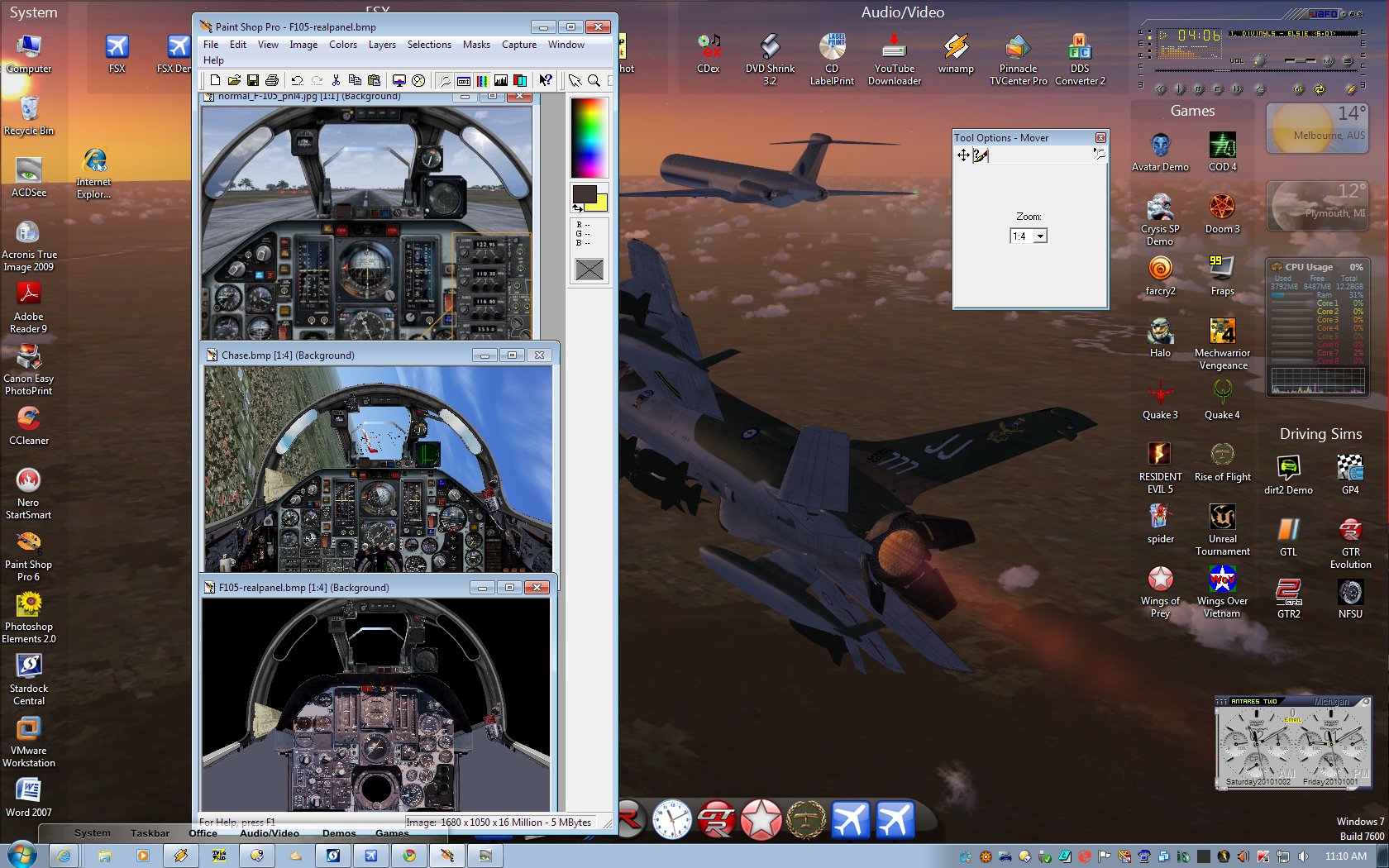
I'm still having loads of fun with the 'GUI' of an aircraft in FSX.
First there was the 'original' loosely representational version....
Then I madly reworked it to show more....and have more features/function.....
Now I'm in the throes of doing it CORRECTLY.
The panel itself is from a high-res photo which annoyingly was not square-on...but had to be re-proportioned for corrected perspective, etc.
It now shows the controls and gauges in their real position/proportion...though the canopy is still more 'artist impression' than 100% right....at this stage.
Next time I'm in the US I will make a point of getting to see one of them [F105D] in the flesh and I'll be taking a LOT of pictures...
Annoying thing is I was within cooee of one and didn't realise..... Dulles Airport in Washington .... Darn it.
 |
|
Page 2 of 7 | |
|
|---|

Reply #22 Monday, October 4, 2010 1:53 PM
Sweet! That's a neat little trick. Sometimes you just have to be creative to get what you want! Thanks!

Reply #23 Monday, October 4, 2010 2:50 PM
I know how to take a screen shot. I know how to send a screen shot via email. What I do not know is how to send and upload a screen shot onto this website. I know that it has been covered before but would someone please post the instructions for doing so. Or a reference to where the instructions can be found. Thank you.


Reply #26 Monday, October 4, 2010 6:35 PM
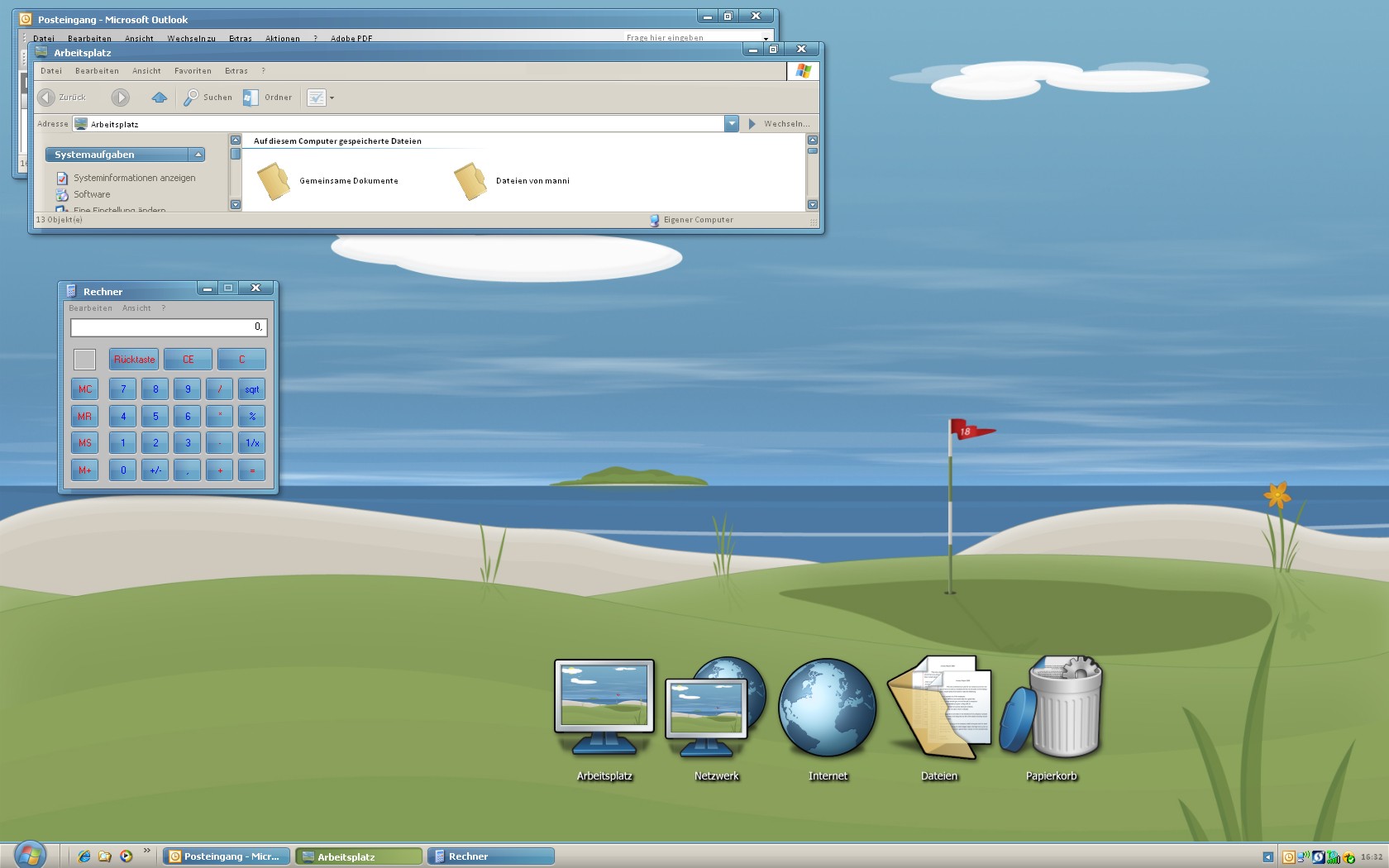
By the way, how did you center the icons on your taskbar?
It's kind of a simple trick:
LINK
Works great, but you lose half your taskbar. 


Reply #28 Wednesday, October 6, 2010 2:24 PM
Here's mine. I'm on the lookout for a system tray/notification area replacement though 




Reply #31 Thursday, October 7, 2010 8:45 AM
It's just one I've been working on...... who knows, it might get finished one day! 


Reply #33 Thursday, October 7, 2010 1:14 PM
By all means finish it Brian! It looks great! 
Reply #34 Thursday, October 7, 2010 3:32 PM
Well......hurry up. That looks awesome! 

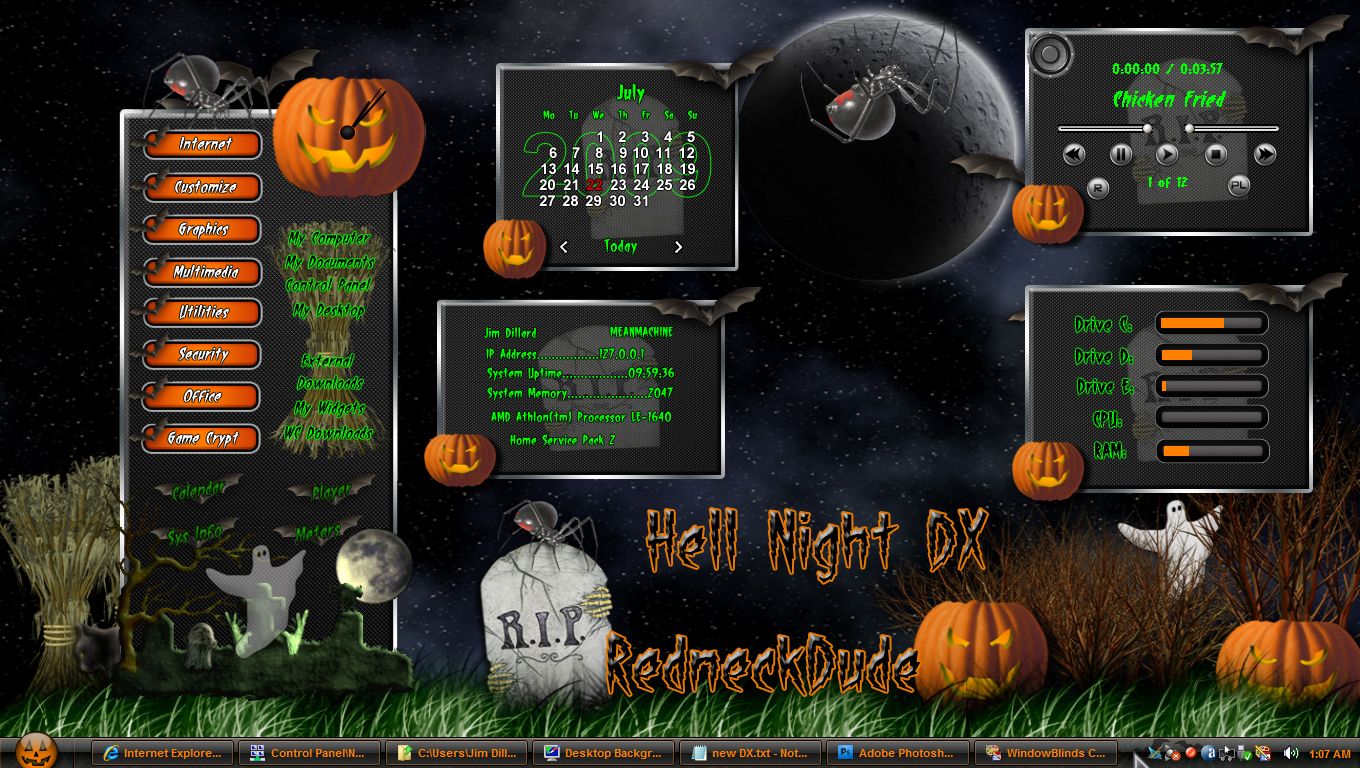

Reply #37 Thursday, October 7, 2010 5:25 PM
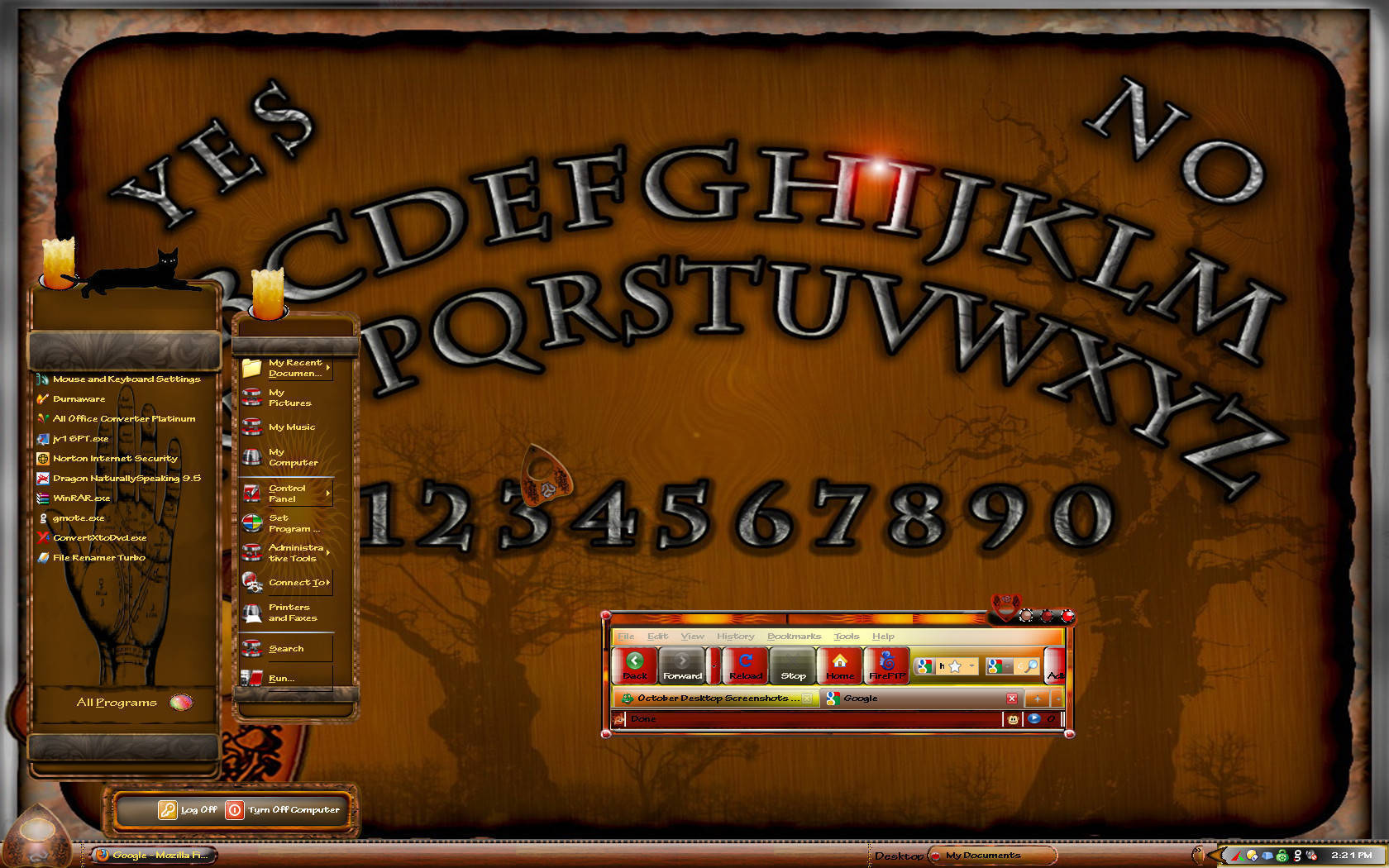
Screen of WB on the way for the time of year. Probably like two days.
Candles are animated and cat blinks eyes.
Other surprises to be discovered.





Please login to comment and/or vote for this skin.
Welcome Guest! Please take the time to register with us.
There are many great features available to you once you register, including:
- Richer content, access to many features that are disabled for guests like commenting on the forums and downloading skins.
- Access to a great community, with a massive database of many, many areas of interest.
- Access to contests & subscription offers like exclusive emails.
- It's simple, and FREE!
|
|
Page 2 of 7 | |
|
|---|
Reply #21 Monday, October 4, 2010 12:55 PM
It's kind of a simple trick:
LINK