









































What's Wrong With My Screenshots?
I need advice!!
Sunday, November 8, 2009 by RedneckDude | Discussion: OS Customization
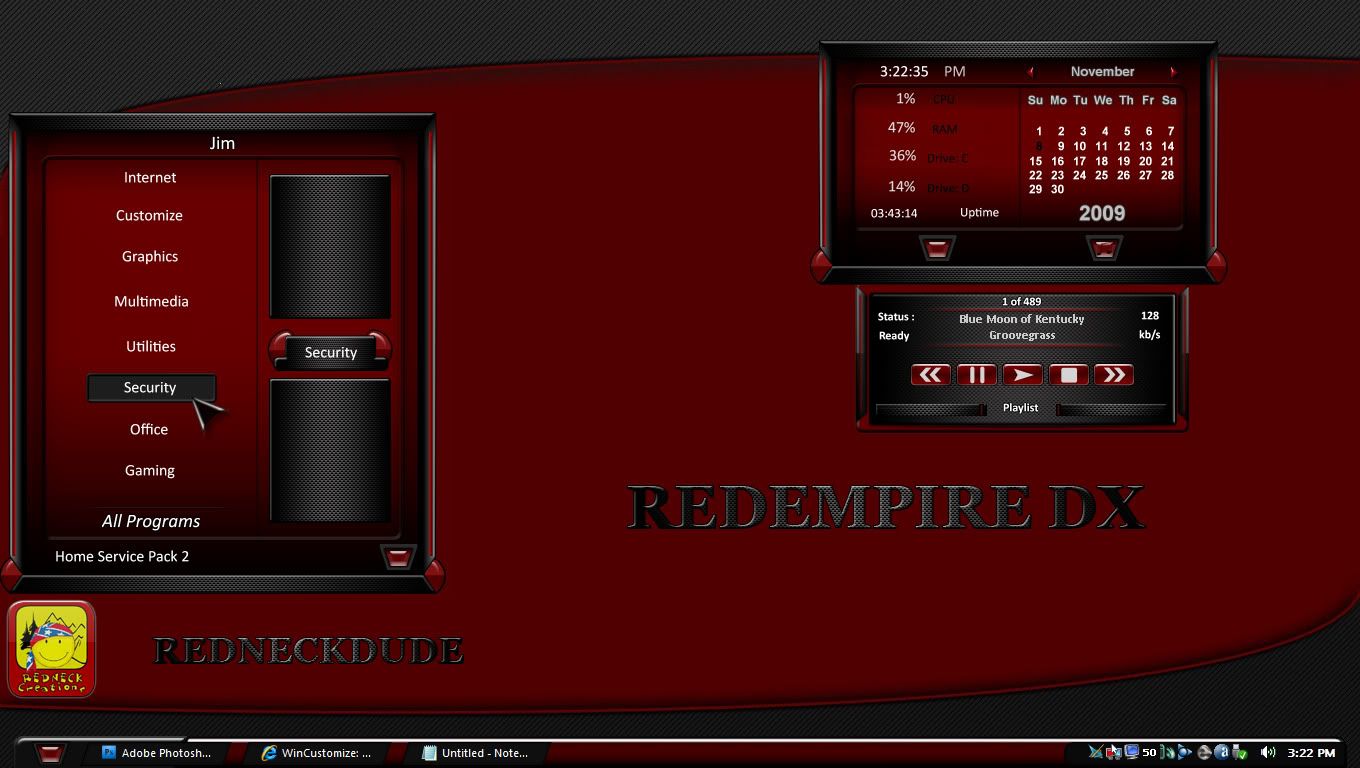
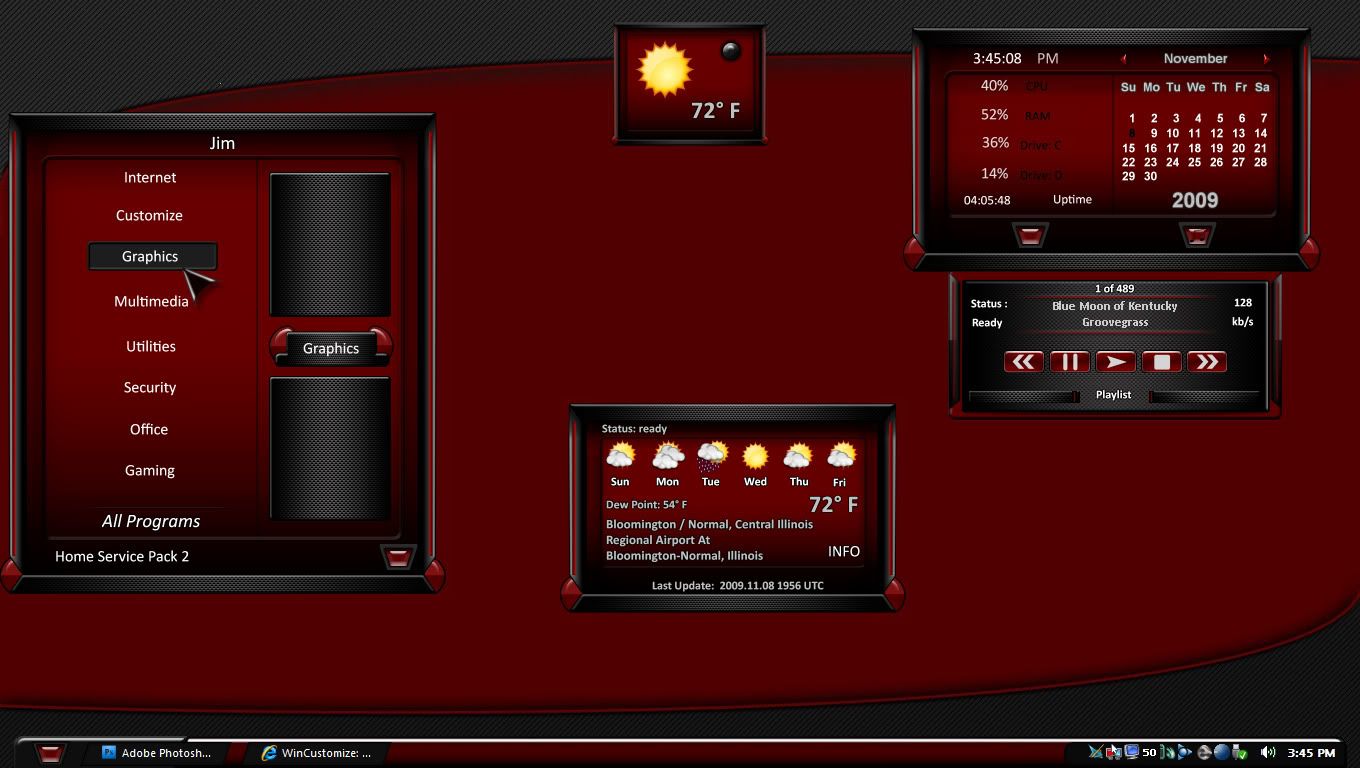
Hey skinners, I can't figure out what is wrong with my screenshots for my DX themes. This one was captured and saved with Photoshop CS4. Set at 300 pixels per inch. But they seem garbled in the gallery, unless you zoom. Seems fine here, but the screeny in the gallery sucks. Any advice?

Reply #2 Sunday, November 8, 2009 4:15 PM
Nothing seems amiss, Jim. Looked at it in DX gallery...on my 1280x800 machine...looks great to me. But then, what do I know?


Reply #3 Sunday, November 8, 2009 4:17 PM
should be 72 dpi, 300 is for print.
yep
Reply #4 Sunday, November 8, 2009 4:36 PM
Ok...whew...thanks guys! OK, so 72 is best? Gotcha. 

Reply #5 Monday, November 9, 2009 12:13 AM
Actually, I believe it is now 96 dpi for web/computer viewing on Windows systems.
Reply #6 Monday, November 9, 2009 12:33 AM
got a point of reference on that?
Please login to comment and/or vote for this skin.
Welcome Guest! Please take the time to register with us.
There are many great features available to you once you register, including:
- Richer content, access to many features that are disabled for guests like commenting on the forums and downloading skins.
- Access to a great community, with a massive database of many, many areas of interest.
- Access to contests & subscription offers like exclusive emails.
- It's simple, and FREE!
Reply #1 Sunday, November 8, 2009 4:12 PM
When you go to save, are you choosing "save for web" and setting the quality at 100% ? That's what I do. Also, why 300 pixels per inch? that's unnecessary, and may be part of the problem.
Most thumbnails look bad until you zoom, always have.