






































Taskbar Location?
Thursday, December 21, 2006 by Threi | Discussion: OS Customization

Threi
Reply #2 Thursday, December 21, 2006 6:42 PM

Reply #2 Thursday, December 21, 2006 6:42 PM
how does it compare with object bar 1 or object dock in memory usage? (not Mem usage, but VM size)
Koasati
Reply #3 Thursday, December 21, 2006 7:03 PM

Reply #3 Thursday, December 21, 2006 7:03 PM
Haven't used the Windows taskbar since 1999. 
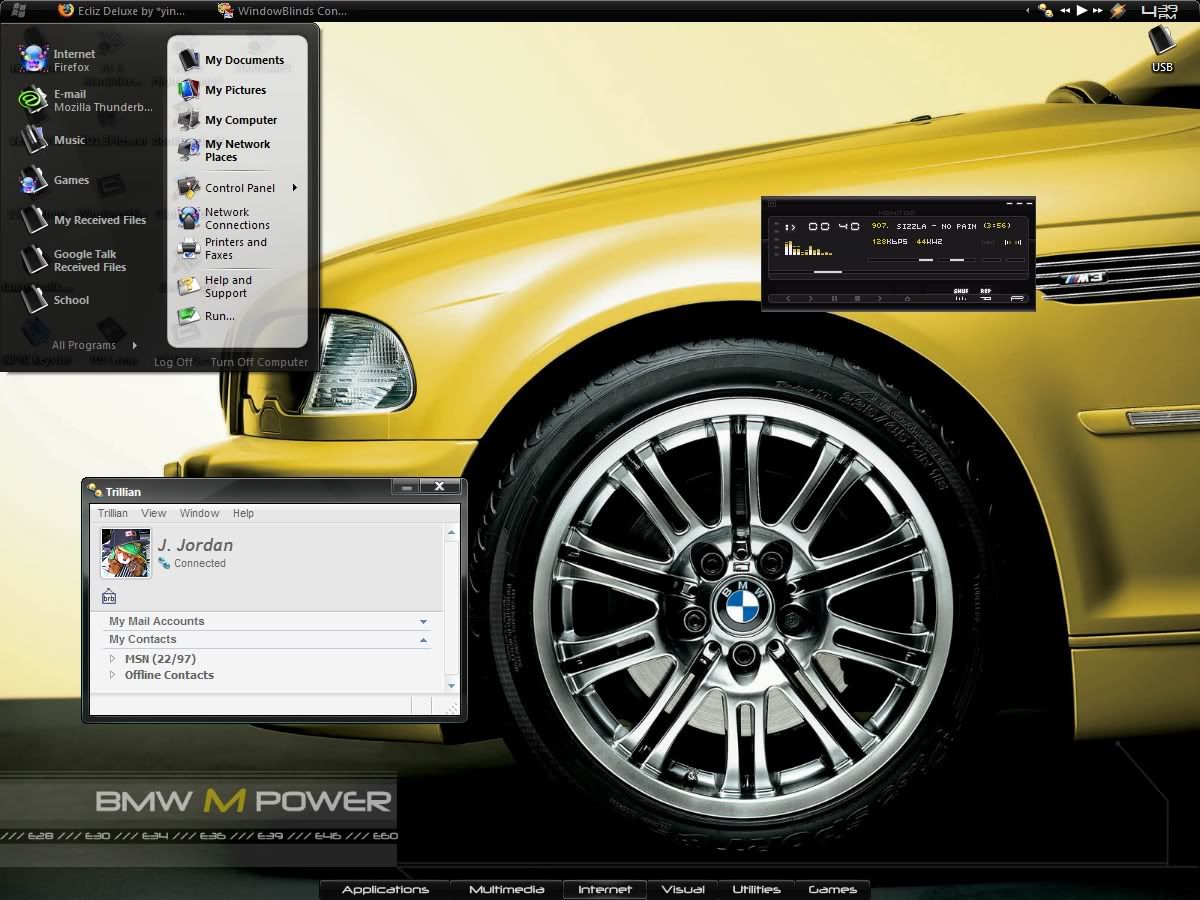
My "Running Tasks" dock is on the left side of monitor #2....
My "Systray" dock is on the left side of monitor #1...

My "Running Tasks" dock is on the left side of monitor #2....
My "Systray" dock is on the left side of monitor #1...

Lantec
Reply #5 Friday, December 22, 2006 9:23 AM
I don't have OB1 installed so I can't comment there but as for Object Dock Plus 1.5...........
It looks to me like Object bar uses less physical resources....but judge for yourself.


Reply #5 Friday, December 22, 2006 9:23 AM
| how does it compare with object bar 1 or object dock in memory usage? (not Mem usage, but VM size) |
I don't have OB1 installed so I can't comment there but as for Object Dock Plus 1.5...........
It looks to me like Object bar uses less physical resources....but judge for yourself.

jazzymjr
Reply #6 Friday, December 22, 2006 10:51 AM

Reply #6 Friday, December 22, 2006 10:51 AM
I keep my taskbar hidden on my pc (have Windows XP on it). I use Desktop Sidebar for everything. It is docked on the right side, set to autohide when not in use.
I have Windows Vista RC2 on my laptop. Taskbar is on bottom on autohide. Using Vista Sidebar, docked on right...I hate that I can't autohide it.
I have Windows Vista RC2 on my laptop. Taskbar is on bottom on autohide. Using Vista Sidebar, docked on right...I hate that I can't autohide it.
Chasbo
Reply #7 Friday, December 22, 2006 11:59 AM

Reply #7 Friday, December 22, 2006 11:59 AM
It depends on the setup at the time. There's been only a few times I've auto hidden it. The Taskbar is an important part of the skin, I try to blend it in with the wall. It's all part of the vision of the artist who made the skin you see. I try not to use quick launch. I'd rather use Object Dock, it's such a cool program. I like Tabbed Docks the best. I'd say That 90% of the time my Taskbar is on the bottom.
Threi
Reply #8 Friday, December 22, 2006 1:46 PM
Reply #8 Friday, December 22, 2006 1:46 PM
well i tried objectbar 2.0 free version (and indeed it uses less memory), but most of the skins i found dont seem to work (and the fact that they are taskbars, not application launchers...so i was wondering if there is a way to make it behave in a way similar to tabbed docks?
Lantec
Reply #9 Friday, December 22, 2006 2:57 PM
Yes & no...... it can be set up to display icons only for shortcuts which would be comparable with OD but it also can have custom menus, embedded widgets, folders as menus etc. but it cannot cycle thru different bars comparable with tabs. It's more like the Windows Taskbar on steriods. For instance my task list is graphical, I've got it setup to only show icons and not text. I also have several pop menus that have a top level icon only and no text.
OD Plus is much more Eye candy than OB2 but (once we get some more documentation) I believe theres a lot more OB2 can do overall. One thing that may interest some people is the fact that I would always have to exit OD+ to play a game......I don't have to do that with OB2.
Reply #9 Friday, December 22, 2006 2:57 PM
| so i was wondering if there is a way to make it behave in a way similar to tabbed docks? |
Yes & no...... it can be set up to display icons only for shortcuts which would be comparable with OD but it also can have custom menus, embedded widgets, folders as menus etc. but it cannot cycle thru different bars comparable with tabs. It's more like the Windows Taskbar on steriods. For instance my task list is graphical, I've got it setup to only show icons and not text. I also have several pop menus that have a top level icon only and no text.
OD Plus is much more Eye candy than OB2 but (once we get some more documentation) I believe theres a lot more OB2 can do overall. One thing that may interest some people is the fact that I would always have to exit OD+ to play a game......I don't have to do that with OB2.
Threi
Reply #10 Friday, December 22, 2006 3:05 PM
Reply #10 Friday, December 22, 2006 3:05 PM
well i was just about to edit my post to say i figured out how to configure it (im just putting in all my shortcuts now)
i am using the style that copies the windowblind theme...but it doesn't copy the colour style...so i am wondering if that is possible too?
*EDIT* i figured out how to color it (manually color the imported taskbar) but now all i need for it to be perfect is media control buttons...are they out?
*EDIT* i figured out media control now...thanks anyways
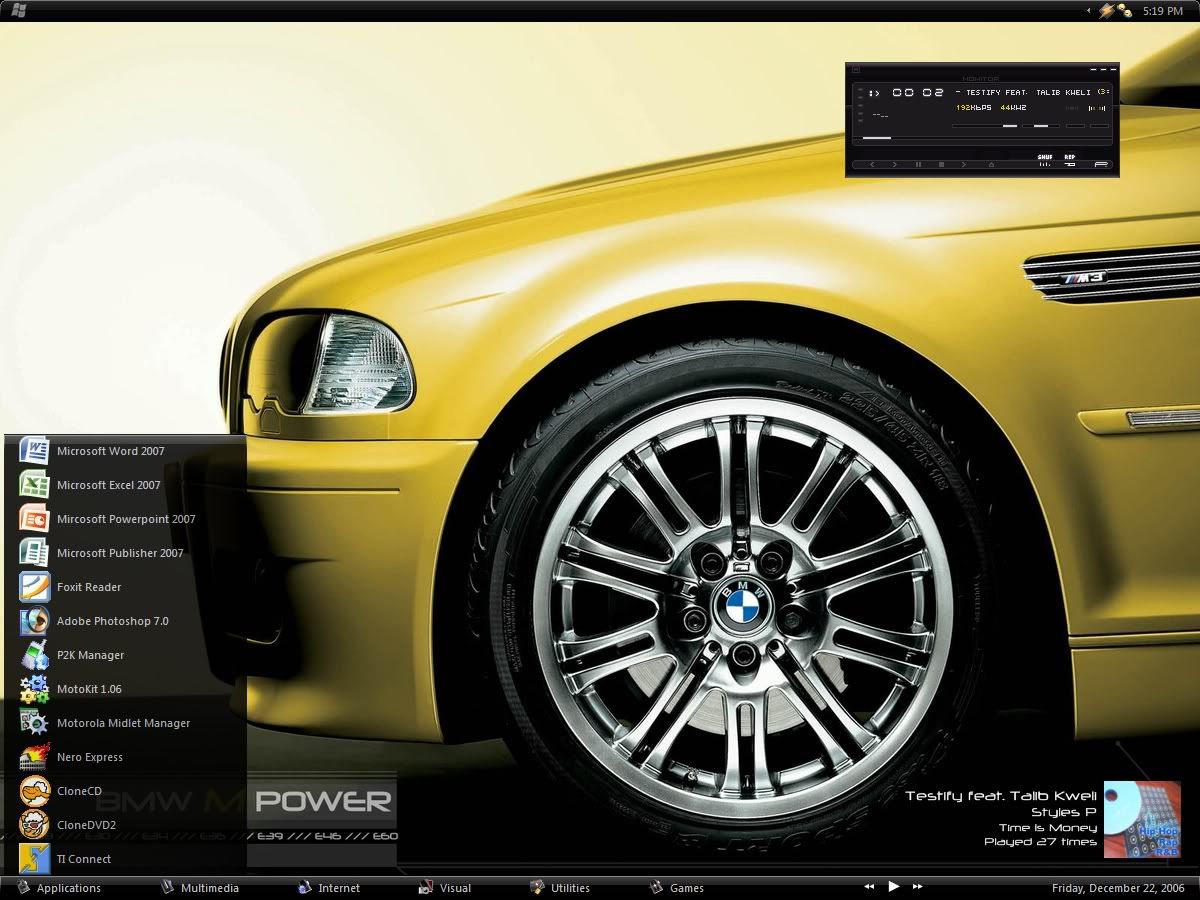
i just find it amazing how a program can look so much better with so much less memory usage...oh well here is the final product if you were wondering...
i am using the style that copies the windowblind theme...but it doesn't copy the colour style...so i am wondering if that is possible too?
*EDIT* i figured out how to color it (manually color the imported taskbar) but now all i need for it to be perfect is media control buttons...are they out?
*EDIT* i figured out media control now...thanks anyways

i just find it amazing how a program can look so much better with so much less memory usage...oh well here is the final product if you were wondering...
Please login to comment and/or vote for this skin.
Welcome Guest! Please take the time to register with us.
There are many great features available to you once you register, including:
- Richer content, access to many features that are disabled for guests like commenting on the forums and downloading skins.
- Access to a great community, with a massive database of many, many areas of interest.
- Access to contests & subscription offers like exclusive emails.
- It's simple, and FREE!
Reply #1 Thursday, December 21, 2006 5:59 PM
With OB2 I normally have my task list in a bar at the bottom of the screen but usually have my Start Menu at the top. With OD+ I like to have running task list along the right side with everything else on top.