







































Thuglifejunior
Comment #2 Monday, October 27, 2008 1:36 PM

Comment #2 Monday, October 27, 2008 1:36 PM
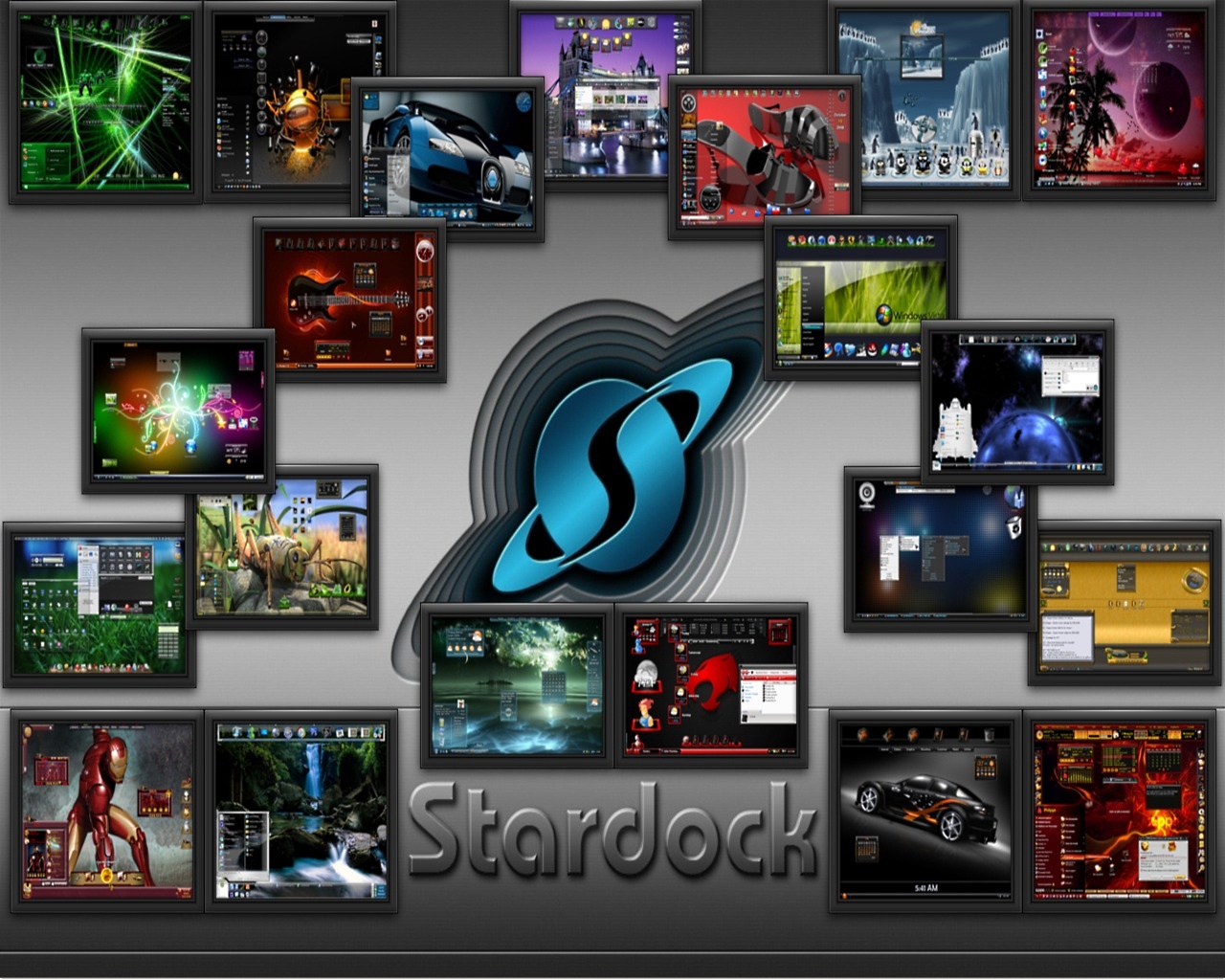
Sorry Winstar, I just thought I'd tell you, the wall is coming out all squashed if you know what I mean, and it doesn't do your wall any justice at all, I don't know what we can do about it, but it really does spoil this fabulous wall my friend 

cplair
Comment #3 Monday, October 27, 2008 1:55 PM
 ���������

Comment #3 Monday, October 27, 2008 1:55 PM
I can make version III,IV,V and so on
I'll bet money you can too WinStar! Sorry Winstar, I just thought I'd tell you, the wall is coming out all squashed if you know what I mean
The aspect ratio did change with the resolution because I asked for it in my size! And for that I must thank you with all my heart! Cp � ���������
winstar4
Comment #4 Monday, October 27, 2008 2:38 PM

Comment #4 Monday, October 27, 2008 2:38 PM
Sorry about that TLJ, what is your resolution? I can try to make it for your resolution. As for the aspect ratio, cplair did it mess it up for you also?
Thuglifejunior
Comment #5 Monday, October 27, 2008 2:39 PM
Comment #5 Monday, October 27, 2008 2:39 PM
The aspect ratio did change with the resolution because I asked for it in my size! And for that I must thank you with all my heart! Cp
But my version is 1280 x 1024 so why does it look squashed still, sorry to turn this into a technical site Winstar, but I want to use the wall Ha Ha
winstar4
Comment #6 Monday, October 27, 2008 3:19 PM
Comment #6 Monday, October 27, 2008 3:19 PM
TLJ when I use the "maintain aspect ratio" option and put in 1280, it automatically puts the the other number at 800, so it comes out 1280x800. I can upload that resolution for you if you like. Just let me know. I am not an expert at this sort of thing, so maybe someone can offer some suggestions.
AzDude
Comment #7 Monday, October 27, 2008 5:06 PM
Comment #7 Monday, October 27, 2008 5:06 PM
i just took your version and resized it myself to what i needed , so i'm good .. ... i found with my space stuff ( round shapes ) if you make it in widescreen you live with it WS to go FS it distorts the shapes - so use the 1280x800 with a color background and your all set guys .. 
... i found with my space stuff ( round shapes ) if you make it in widescreen you live with it WS to go FS it distorts the shapes - so use the 1280x800 with a color background and your all set guys .. 
Dmarth
Comment #8 Monday, October 27, 2008 6:27 PM

Comment #8 Monday, October 27, 2008 6:27 PM
Thank you Winstar4 for using one of my Screenshot in this. I download the wall and it really looks good on my computer.� �My Monitor is 1440x900, so I had no problem. The shot is just awesome.��
 �My Monitor is 1440x900, so I had no problem. The shot is just awesome.��
winstar4
Comment #9 Monday, October 27, 2008 6:45 PM
Comment #9 Monday, October 27, 2008 6:45 PM
Thanks AzDude and Dmarth. TLJ let me know if AzDude's suggestion worked for you.
Thuglifejunior
Comment #10 Monday, October 27, 2008 7:26 PM
.....Actually the image you see their in the screenshot is exactly the wall I'm getting, is that right????
Comment #10 Monday, October 27, 2008 7:26 PM
Thanks AzDude and Dmarth. TLJ let me know if AzDude's suggestion worked for you.
I dunno what I'm doing wrong , but no matter what I do Winstar, it still seems squashed, and I really want to use this wall .....Actually the image you see their in the screenshot is exactly the wall I'm getting, is that right????
Duke261
Comment #11 Monday, October 27, 2008 7:54 PM

Comment #11 Monday, October 27, 2008 7:54 PM
Thank you winstar. I also resized the DL to 1280x800 and it is a real treasure! Thank you for your thoughtfulness!!
AzDude
Comment #12 Monday, October 27, 2008 10:48 PM
Comment #12 Monday, October 27, 2008 10:48 PM
why dont you just put up another shot at 1280x800 for those who don't resize , then they can add the background color thru windows , just a thought
Thuglifejunior
Comment #13 Tuesday, October 28, 2008 6:47 AM
Comment #13 Tuesday, October 28, 2008 6:47 AM
How do you resize through a DL, I didn't know you could do that, and how do you do that please
winstar4
Comment #14 Tuesday, October 28, 2008 10:09 AM
Comment #14 Tuesday, October 28, 2008 10:09 AM
TLJ, I am not sure how you "save" the screenshots to your computer. Two ways that I know of. One once you click on the download button and the large pix opens, you can either click file/save on the toolbar of your browser, or you can just right click on the large pix and choose save picture as. When you choose the save picture as by right clicking,the options are usually jpeg or bitmap. Once you save it to your computer, open the file in whatever program you use to manipulate your screenshots, pixs, and so on. I use a nice freebie called Paint.net. Obviously there are stronger programs that cost a lot and do a lot more, but that one works for something simple like this. If you use that program, once you open the file with the program, click on image on the top left toolbar, then when those options drop down, click on resize. Then you can set it to whatever size you need for your resolution. Then click file, save as, and use the drop down box to choose the file format that you want. Since I don't know how much or how little you know, I tried to be detailed. I hope this helps. Let me know. ��
�
AzDude
Comment #15 Wednesday, October 29, 2008 3:22 PM
Comment #15 Wednesday, October 29, 2008 3:22 PM
PS - to Dale ....just save any screenshot as a .jpeg or .png , if ya need something RE-SIZED just e-mail it to me and i'll resize it and send it back to ya - just let me know what you want (new size) .... so DL what ya like and i can help ya with any re-size needed ( all ya really need is a simple photo editing program to do that i.e. free ones - irvanview or paint.net ,try those out you shold get them anyway for other things too besides resizing - they are FREE ,,, even windows paint re-sizes for ya ...later pal
Please login to comment and/or vote for this skin.
Welcome Guest! Please take the time to register with us.
There are many great features available to you once you register, including:
- Richer content, access to many features that are disabled for guests like commenting on the forums and downloading files.
- Access to a great community, with a massive database of many, many areas of interest.
- Access to contests & subscription offers like exclusive emails.
- It's simple, and FREE!


![Aero11 (Vista Edition) [Theme Preview]](https://skins17.wincustomize.com/40/19/4019518/13/28337/preview-13-28337-100x75.jpg?d=1677593646.38)


Comment #1 Monday, October 27, 2008 1:30 PM